Intelligente Komprimierung
Dateigröße ohne sichtbaren Verlust reduzieren — stapelweise oder auf exakte Zielgröße.
- Image Compressor
- Stapelverarbeitung
- Zielgröße
- Bildgröße ändern

Optimiere deine Bilder. Auf deinem Gerät.
36 Bild- und PDF-Tools — Komprimierung, Konvertierung, Bearbeitung, EXIF, QR — 100 % offline verarbeitet, ohne Konto und ohne Datenübertragung. Installiere die App aus Google Play oder lade die offiziellen Builds herunter.
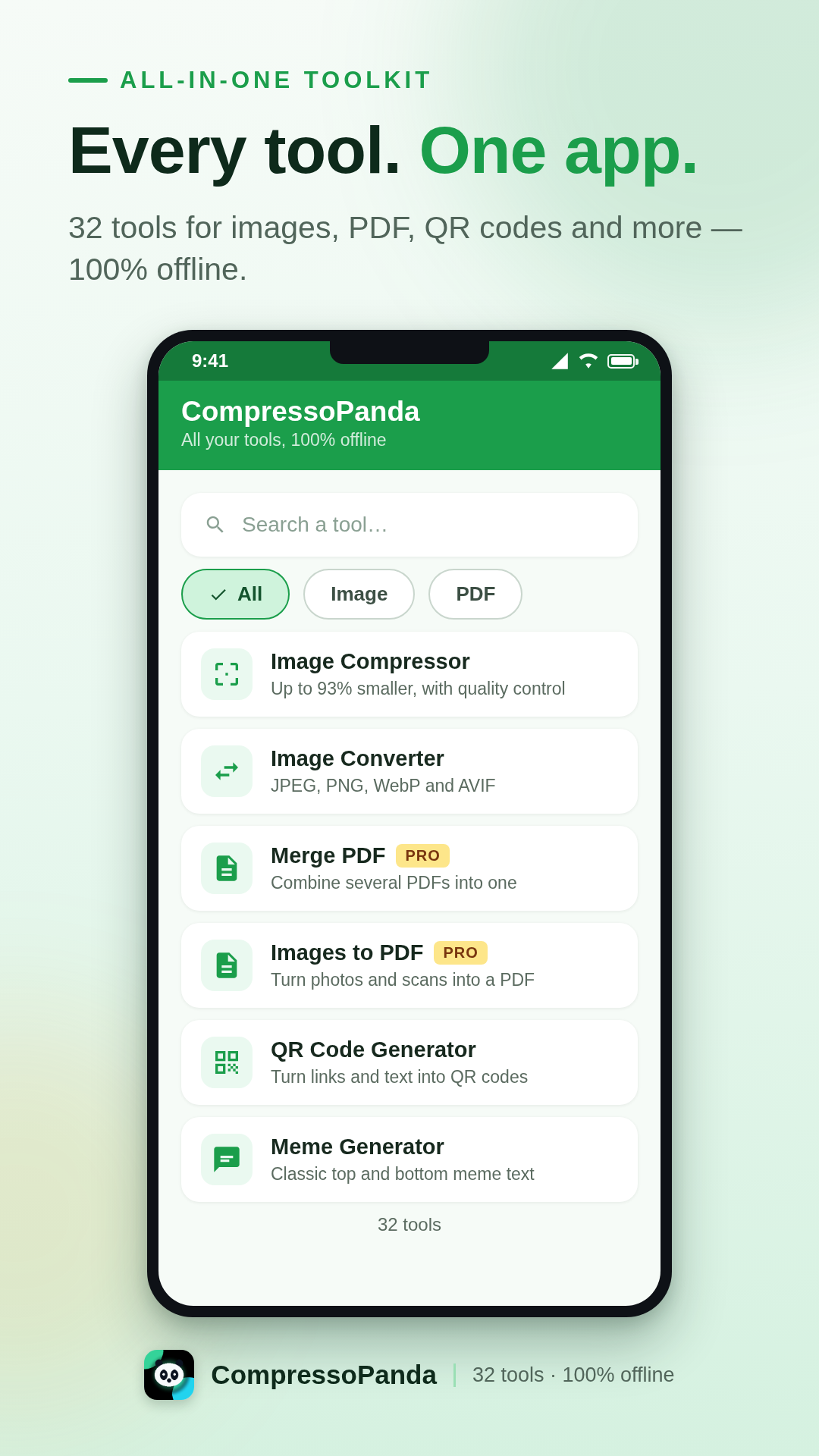
Die Android-App
CompressoPanda vereint 36 Bild- und PDF-Tools in einer einzigen, für Mobilgeräte entwickelten Oberfläche. Öffnen, verarbeiten, teilen — in Sekunden und ganz ohne Verbindung. Deine Fotos verlassen dein Handy nie.
Komprimieren auf exakte Größe
Zielgröße vorgeben (z. B. 100 KB) oder Dutzende Fotos im Stapel komprimieren.
Alle Formate
JPEG, PNG, WebP, AVIF, SVG, Base64, PDF — sofortige Konvertierung ohne Server.
Privat von Grund auf
Kein Upload, kein Konto, kein Tracking. Die Verarbeitung bleibt zu 100 % lokal.
Für alle gemacht
9 Sprachen inklusive Arabisch (RTL), klare Oberfläche, ab Android 7.0.
Was die App kann
Jedes Tool funktioniert sofort, sogar im Flugmodus. Diese sechs Familien decken den Alltag ab.
Dateigröße ohne sichtbaren Verlust reduzieren — stapelweise oder auf exakte Zielgröße.
Mit einer Geste von einem Format ins andere wechseln, ohne das Handy zu verlassen.
Die wichtigsten Handgriffe, um ein Bild vor dem Teilen aufzupeppen.
Das Wesentliche, um Dokumente zu bändigen — auch offline.
Visuals und Assets erstellen, ohne schwere Desktop-Software zu öffnen.
Kein Foto verlässt das Gerät. Die Verarbeitung ist 100 % lokal.
Offizielle Installation
Der einfachste und sicherste Weg, die App zu installieren: automatische Updates, Play-Protect-Prüfung und automatische Wiederherstellung auf deinen neuen Geräten.
Kostenlos · Pro als Einmalkauf (4 $)
In-App-Produkt compressopanda_pro · über Google abgerechnet
Alles, was du wissen musst, bevor du CompressoPanda auf deinem Android-Handy installierst.
Ja. Alle 36 Tools sind kostenlos, finanziert durch einige dezente Werbeanzeigen. Das Pro-Paket (4 $, Einmalkauf) entfernt die Werbung für immer und unterstützt direkt die Entwicklung.
Ja — 100 % offline. Komprimierung, Konvertierung und Bearbeitung laufen direkt auf deinem Handy: Kein Foto wird je an einen Server gesendet, selbst im Flugmodus nicht.
Öffne das Tool „Zielgröße“, wähle dein Bild und gib das gewünschte Gewicht ein (z. B. 100 KB). Die App passt die Komprimierung automatisch an, bis das Ziel erreicht ist — ideal für Formulare und E-Mail-Anhänge.
JPEG/JPG, PNG, WebP, AVIF, GIF, SVG, BMP, Base64 und PDF — inklusive Konvertierung von Bildern zu PDF und von PDF zu Bildern in beide Richtungen.
Nutze das Tool „Metadata“: Es zeigt und löscht EXIF-Daten (GPS-Position, Gerät, Datum) vor dem Teilen. Die Verarbeitung bleibt vollständig lokal.