Compressione intelligente
Riduci il peso senza perdita visibile, in blocco o con dimensione obiettivo esatta.
- Image Compressor
- Compressione in blocco
- Dimensione obiettivo
- Ridimensiona

Ottimizza le tue immagini. Sul tuo dispositivo.
36 strumenti per immagini e PDF — compressione, conversione, modifica, EXIF, QR — elaborati 100 % offline, senza account e senza inviare dati. Installa l'app da Google Play o scarica le build ufficiali.
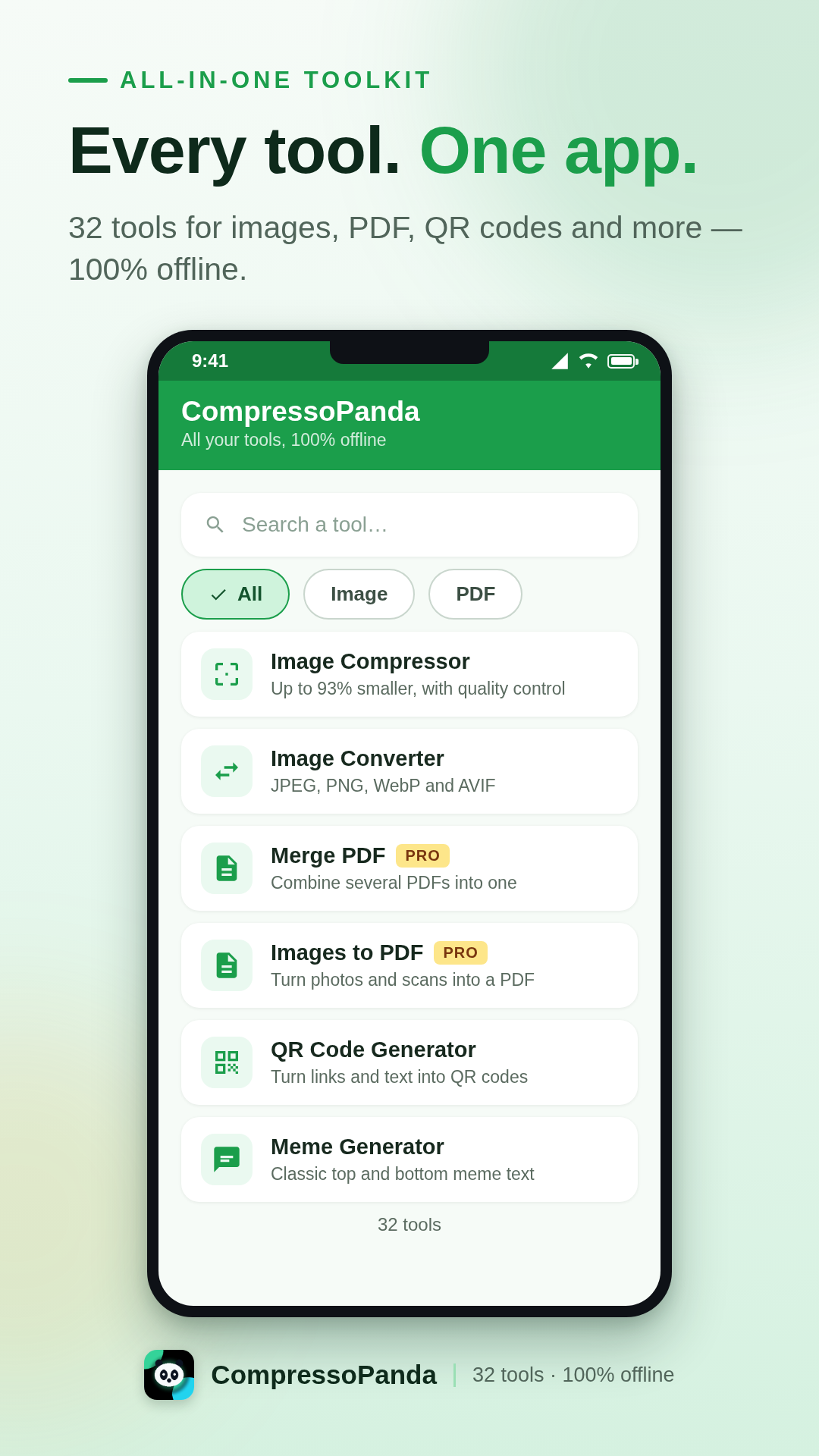
L'app Android
CompressoPanda riunisce 36 strumenti per immagini e PDF in un'unica interfaccia pensata per il mobile. Apri, elabora, condividi — in pochi secondi e senza connessione. Le tue foto non lasciano mai il telefono.
Compressione a peso esatto
Imposta una dimensione precisa (es. 100 KB) o comprime decine di foto in blocco.
Tutti i formati
JPEG, PNG, WebP, AVIF, SVG, Base64, PDF — conversione immediata, senza server.
Privata per impostazione
Nessun upload, nessun account, nessun tracker. L'elaborazione è 100 % locale.
Pensata per tutti
9 lingue incluso l'arabo (RTL), interfaccia chiara, Android 7.0 e successive.
Cosa sa fare l'app
Ogni strumento funziona all'istante, anche in modalità aereo. Ecco le sei famiglie che coprono il quotidiano.
Riduci il peso senza perdita visibile, in blocco o con dimensione obiettivo esatta.
Passa da un formato all'altro con un gesto, senza uscire dal telefono.
I gesti essenziali per ritoccare un'immagine prima di condividerla.
L'indispensabile per domare i documenti, anche offline.
Genera visual e asset senza aprire pesanti software desktop.
Nessuna foto lascia il dispositivo. L'elaborazione è 100 % locale.
Installazione ufficiale
Il modo più semplice e sicuro di installare l'app: aggiornamenti automatici, verifica Play Protect e ripristino automatico sui tuoi nuovi dispositivi.
Gratis · Pro come acquisto una tantum (4 $)
Prodotto in-app compressopanda_pro · fatturato da Google
Tutto quello che devi sapere prima di installare CompressoPanda sul tuo telefono Android.
Sì. I 36 strumenti sono gratuiti, finanziati da qualche pubblicità discreta. Il pacchetto Pro (4 $, acquisto una tantum) rimuove la pubblicità per sempre e sostiene direttamente lo sviluppo.
Sì, 100 % offline. Compressione, conversione e modifica avvengono direttamente sul telefono: nessuna foto viene inviata a un server, nemmeno in modalità aereo.
Apri lo strumento «Dimensione obiettivo», scegli l'immagine e indica il peso desiderato (es. 100 KB). L'app regola automaticamente la compressione fino a raggiungere il valore — perfetto per moduli e allegati.
JPEG/JPG, PNG, WebP, AVIF, GIF, SVG, BMP, Base64 e PDF — con conversione da immagini a PDF e da PDF a immagini in entrambe le direzioni.
Usa lo strumento «Metadata»: mostra e poi cancella i dati EXIF (posizione GPS, dispositivo, data) prima della condivisione. L'elaborazione resta completamente locale.