Smart compression
Shrink file size with no visible loss — in batches or to an exact target size.
- Image Compressor
- Batch Compress
- Target Size
- Image Resizer

Optimize your images. On your device.
36 image & PDF tools — compression, conversion, editing, EXIF, QR — processed 100% offline, with no account and no data ever sent. Install the app from Google Play or grab the official builds below.
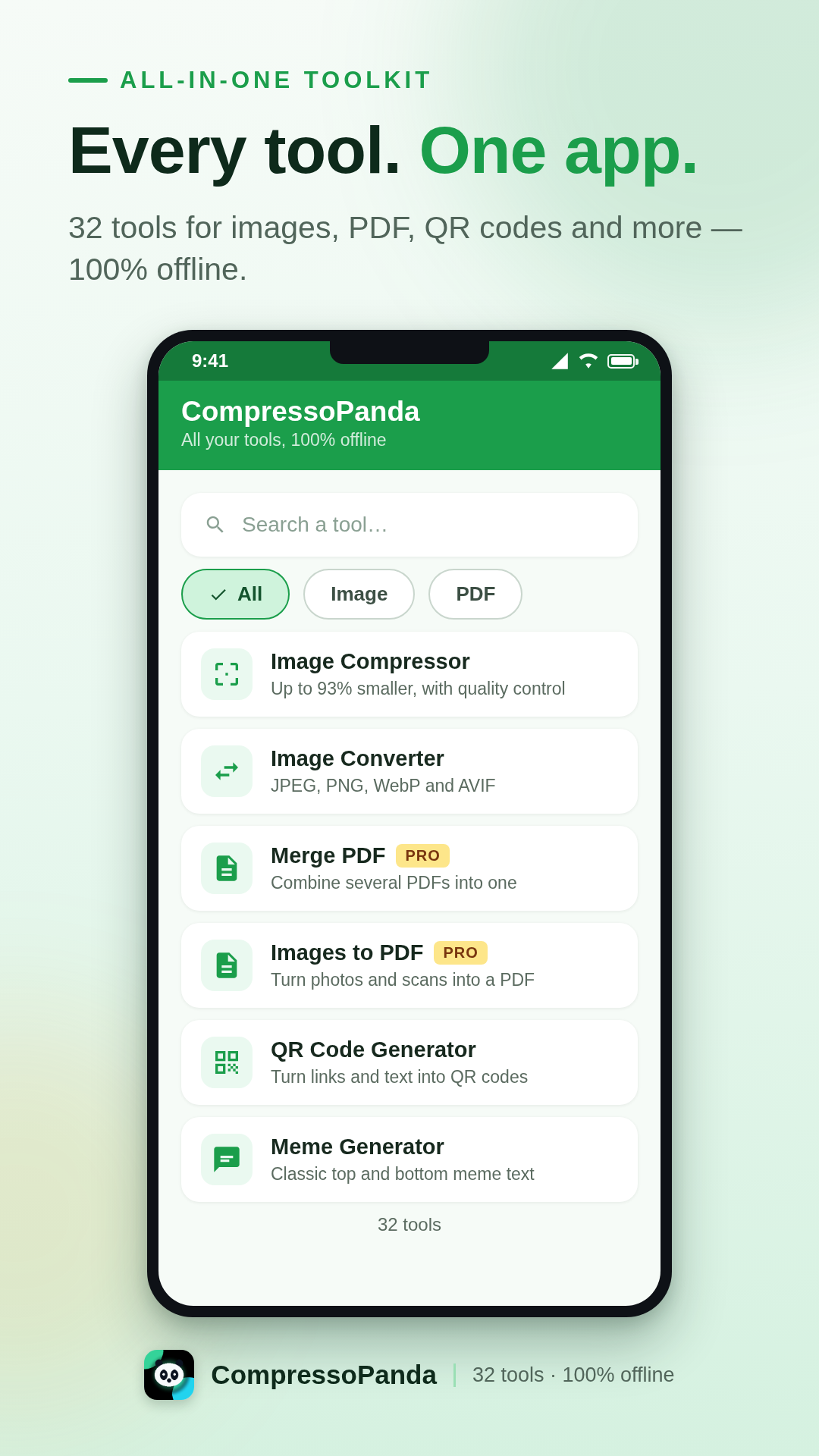
The Android app
CompressoPanda packs 36 image & PDF tools into one mobile-first interface. Open, process, share — in seconds and without any connection. Your photos never leave your phone.
Compress to an exact size
Target a precise weight (e.g. 100 KB) or batch-compress dozens of photos at once.
Every format you need
JPEG, PNG, WebP, AVIF, SVG, Base64, PDF — instant conversion, no server involved.
Private by design
No upload, no account, no tracking. All processing happens 100% on your device.
Built for everyone
9 languages including Arabic (RTL), a clean interface, Android 7.0 and up.
What the app can do
Every tool works instantly, even in airplane mode. Here are the six families that cover everyday needs.
Shrink file size with no visible loss — in batches or to an exact target size.
Switch from one format to another in a gesture, without leaving your phone.
The essential gestures to touch up a picture before sharing it.
Everything you need to tame documents, even offline.
Produce visuals and assets without opening heavy desktop software.
No photo ever leaves the device. Processing is 100% local.
Official installation
The simplest and safest way to install the app: automatic updates, Play Protect verification and automatic restore on your new devices.
Free · Pro as a one-time purchase ($4)
In-app product compressopanda_pro · billed by Google
Everything you need to know before installing CompressoPanda on your Android phone.
Yes. All 36 tools are free, supported by a few discreet ads. The Pro pack ($4, one-time purchase) removes ads forever and directly supports development.
Yes — 100% offline. Compression, conversion and editing run directly on your phone: no photo is ever sent to a server, even in airplane mode.
Open the "Target Size" tool, pick your image and type the weight you need (e.g. 100 KB). The app automatically adjusts compression until it hits the target — perfect for forms and email attachments.
JPEG/JPG, PNG, WebP, AVIF, GIF, SVG, BMP, Base64 and PDF — including image-to-PDF and PDF-to-image conversion in both directions.
Use the "Metadata" tool: it shows then wipes EXIF data (GPS location, device, date) before you share. Processing stays fully local.