CompressoPanda
CompressoPanda

Smart Image Compression

Préparer les images pour le web

CompressoPanda propose un compresseur d’images en ligne pour préparer les fichiers JPG, PNG et WebP destinés aux sites web. Comparez l’original et le résultat avant téléchargement.

Compresseur d’images

Drag & drop your images here

Quality:80%

Drop your images here

or click to browse

PNGJPGWebPGIF

Comment ça marche

📤
STEP 01

Sélectionnez un fichier

Choose an image or drop it into the compressor. The interface lists the formats it accepts.

STEP 02

Appliquez les réglages

Choose the available format and quality options, then let the tool create an output for review.

📥
STEP 03

Vérifiez et enregistrez

Check the output dimensions, file size and visible detail before saving the file.

Pourquoi choisir CompressoPanda ?

🔒

Confidentialité maîtrisée

When a tool processes files in the browser, its file-handling scope is described on that tool page. Review the privacy policy before using sensitive files.

Limites pratiques adaptées au navigateur

Browser, device, file size and the selected operation can affect processing time and practical limits.

🎯

Vérifiez le résultat avant téléchargement

Choose settings for the destination, then inspect the output before downloading instead of relying on a universal preset.

💰

Core workflow access

The core workflow is available without creating an account; limits can vary by tool, device and file.

📱

Use the right device

A current browser works on desktop, tablet and mobile; check the downloaded file in its destination workflow.

🎨

Check visual quality

Compare the original and output at the intended display size; a smaller file may still look different.

Questions fréquentes

Q: Le flux de travail principal est‑il gratuit ?

Oui : la sélection, la compression et le téléchargement de base fonctionnent gratuitement dans le navigateur.

Q: Comment les fichiers sont‑ils traités ?

Le traitement s'effectue principalement dans votre navigateur et vous contrôlez quand télécharger le fichier de sortie.

Q: Quels formats puis‑je utiliser ?

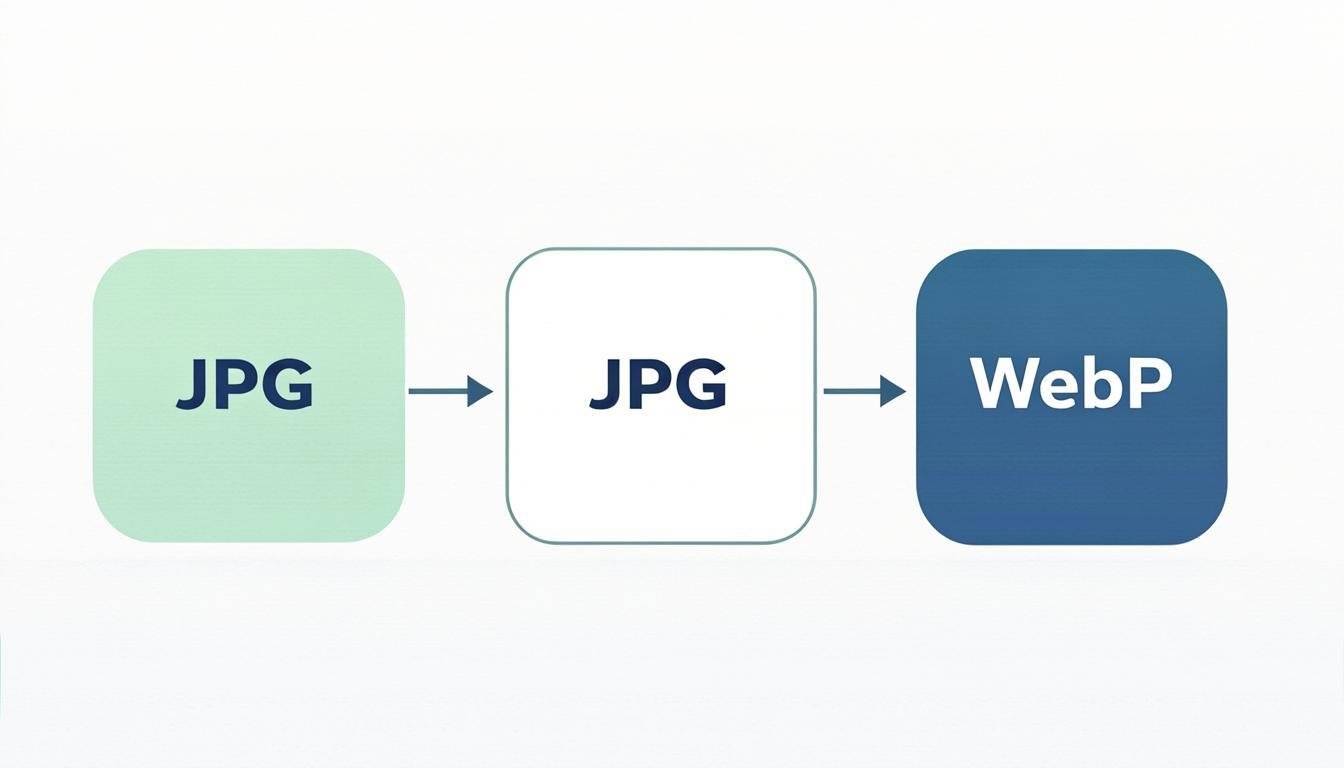
Les formats courants comme JPG, PNG et WebP sont pris en charge ; d'autres options existent selon l'outil.

Q: Toutes les images seront‑elles réduites ?

Pas forcément : la réduction dépend du format, des réglages et du contenu visuel, certaines images déjà optimisées perdent peu en taille.

Q:Can I process several images?

The batch workflow accepts multiple files. Start with a small representative group and check each output after processing.

Q:Why did the output get larger?

A source that is already optimized or difficult to compress may stay similar in size or become larger. Keep the original and try another format or setting only when the destination supports it.

All Image Tools (36)

View All Tools

Latest Guides

View All Articles

Image Optimization for Real Web Workflows

CompressoPanda is built for people who need to prepare images for websites, documents, stores and social posts. Choose a tool, compare the input and output, and keep the original until the result has been checked.

Where a tool supports browser-side processing, selected files are handled locally in the browser. Site analytics, advertising, fonts and external resources are separate services described in the site policies.

Start with a small, non-sensitive file. Compare the original and output size, review the visual result, and choose the workflow that fits your device and use case.