Compressão inteligente
Reduza o peso sem perdas visíveis, em lote ou com tamanho-alvo exato.
- Compressor de imagens
- Lotes
- Tamanho-alvo
- Redimensionar

Otimize as suas imagens. No seu dispositivo.
36 ferramentas de imagem e PDF — compressão, conversão, edição, EXIF, QR — processadas 100 % offline, sem conta e sem envio de dados. Instale a app no Google Play ou descarregue as versões oficiais.
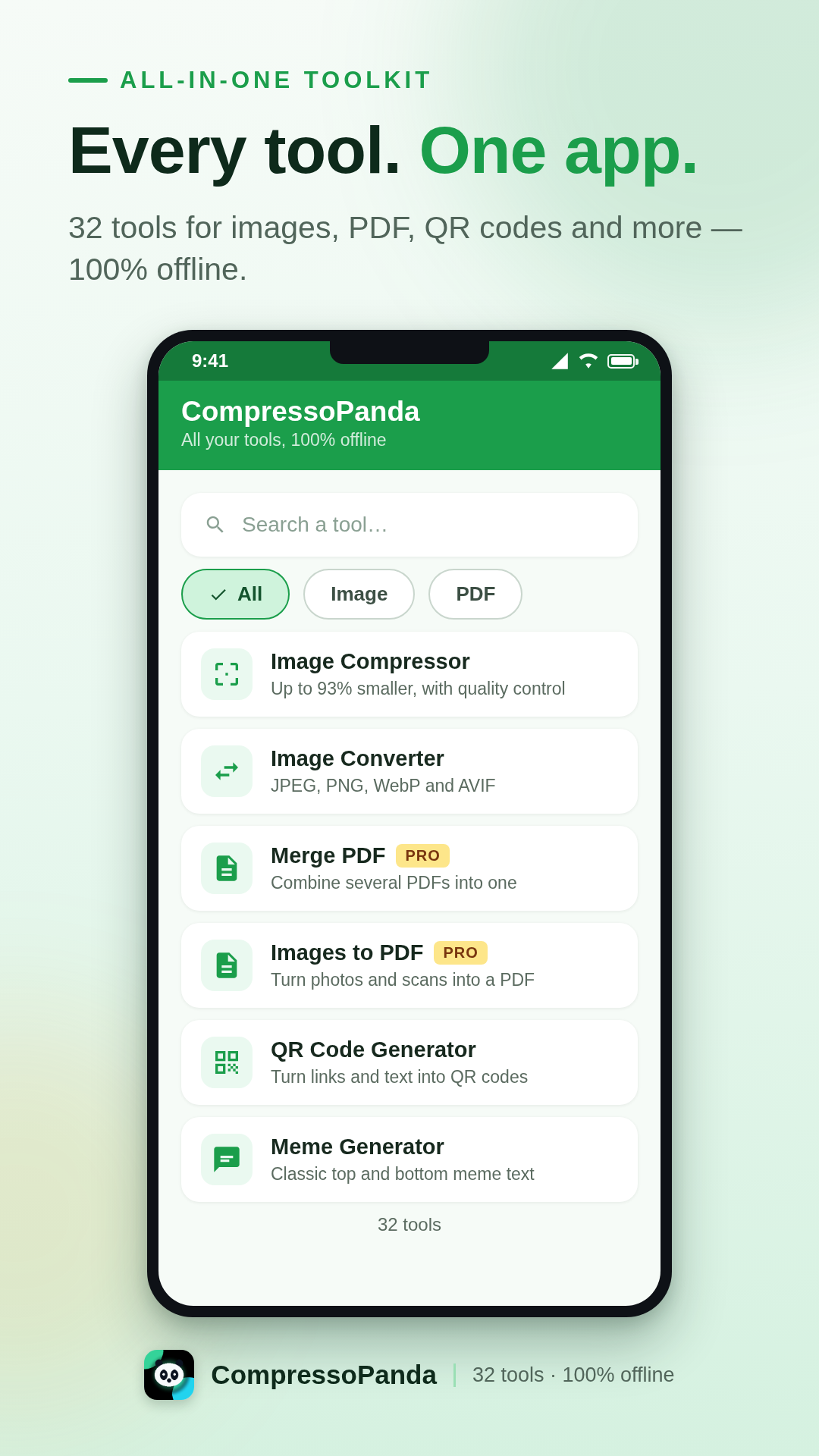
A app Android
O CompressoPanda reúne 36 ferramentas de imagem e PDF numa interface única, pensada para o telemóvel. Abra, processe, partilhe — em segundos e sem ligação. As suas fotos nunca saem do dispositivo.
Compressão com peso exato
Defina um tamanho preciso (ex. 100 KB) ou comprima dezenas de fotos em lote.
Todos os formatos
JPEG, PNG, WebP, AVIF, SVG, Base64, PDF — conversão imediata, sem servidores.
Privacidade por conceção
Sem uploads, sem contas, sem rastreadores. O processamento é 100 % local.
Pensada para todos
9 idiomas incluindo árabe (RTL), interface clara, Android 7.0 ou superior.
O que a app sabe fazer
Cada ferramenta funciona instantaneamente, mesmo em modo de voo. Estas são as seis famílias que cobrem o essencial do dia a dia.
Reduza o peso sem perdas visíveis, em lote ou com tamanho-alvo exato.
Passe de um formato para outro com um gesto, sem sair do telefone.
Os gestos essenciais para retocar uma imagem antes de partilhar.
O essencial para domar os seus documentos, mesmo offline.
Produza visuais e assets sem abrir software pesado de computador.
Nenhuma foto sai do aparelho. O processamento é 100 % local.
Instalação oficial
A forma mais simples e segura de instalar a app: atualizações automáticas, verificação Play Protect e restauro automático nos seus novos dispositivos.
Grátis · Pro como compra única (4 $)
Produto integrado compressopanda_pro · faturado pela Google
Tudo o que precisa de saber antes de instalar o CompressoPanda no seu telemóvel Android.
Sim. As 36 ferramentas são gratuitas, financiadas por publicidade discreta. O pacote Pro (4 $, compra única) remove a publicidade para sempre e apoia diretamente o desenvolvimento.
Sim, 100 % offline. A compressão, a conversão e a edição acontecem diretamente no seu telefone: nenhuma foto é enviada para servidores, mesmo em modo de voo.
Abra a ferramenta «Tamanho-alvo», escolha a imagem e indique o peso pretendido (ex. 100 KB). A app ajusta a compressão automaticamente até atingir o valor — ideal para formulários e anexos.
JPEG/JPG, PNG, WebP, AVIF, GIF, SVG, BMP, Base64 e PDF — com conversão de imagens para PDF e de PDF para imagens nos dois sentidos.
Use a ferramenta «Metadata»: mostra e apaga os dados EXIF (localização GPS, aparelho, data) antes de partilhar. O processamento continua totalmente local.