CompressoPanda
CompressoPanda

Smart Image Compression

Prepare Image Files for the Web

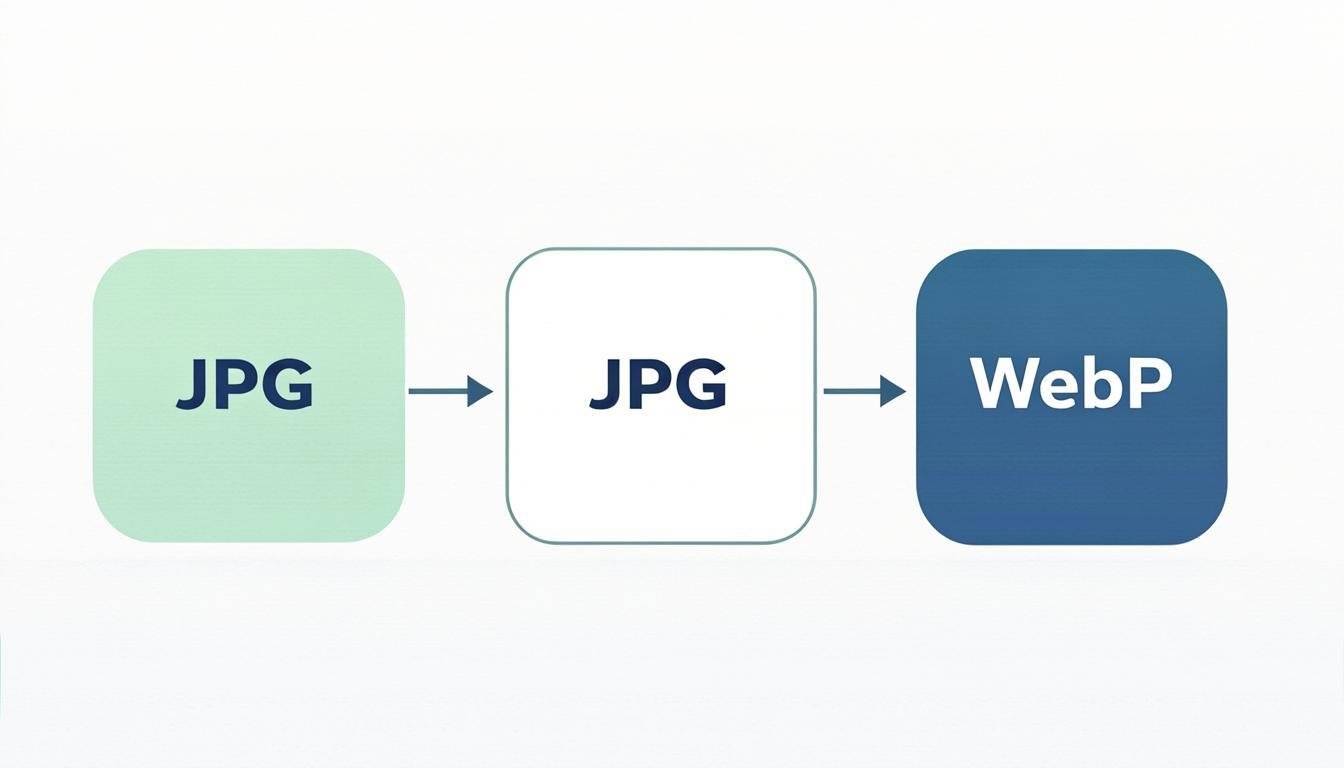
CompressoPanda provides an image compressor online for preparing JPG, PNG and WebP files for websites. Compare the original and output before downloading.

For a practical web workflow, review the format, dimensions and output before publishing Use this image compression checklist.

Image Compressor

Drag & drop your images here

Quality:80%

Drop your images here

or click to browse

PNGJPGWebPGIF

How It Works

📤
STEP 01

Select a file

Choose an image or drop it into the compressor. The interface lists the formats it accepts.

STEP 02

Apply settings

Choose the available format and quality options, then let the tool create an output for review.

📥
STEP 03

Review and save

Check the output dimensions, file size and visible detail before saving the file.

Why Choose CompressoPanda?

🔒

Privacy scope

When a tool processes files in the browser, its file-handling scope is described on that tool page. Review the privacy policy before using sensitive files.

Practical limits

Browser, device, file size and the selected operation can affect processing time and practical limits.

🎯

Review the output

Choose settings for the destination, then inspect the output before downloading instead of relying on a universal preset.

💰

Core workflow access

The core workflow is available without creating an account; limits can vary by tool, device and file.

📱

Use the right device

A current browser works on desktop, tablet and mobile; check the downloaded file in its destination workflow.

🎨

Check visual quality

Compare the original and output at the intended display size; a smaller file may still look different.

Frequently Asked Questions

Q:Is the core workflow free to use?

The core workflow is available without a paid step at the time of review. Limits may depend on the selected tool, file and browser.

Q:How are files handled?

Some tools are designed for browser-side processing. Check the tool-specific privacy scope and site policies before using personal or confidential files; analytics and external resources are separate services.

Q:Which formats can I use?

The compressor currently lists PNG, JPG, WebP and GIF. Check the selected tool for its exact input and output formats before processing.

Q:Will every image shrink?

The result depends on the source format, dimensions, content and settings. Use the input and output byte counts and inspect the visual result; there is no universal percentage.

Q:Can I process several images?

The batch workflow accepts multiple files. Start with a small representative group and check each output after processing.

Q:Why did the output get larger?

A source that is already optimized or difficult to compress may stay similar in size or become larger. Keep the original and try another format or setting only when the destination supports it.

All Image Tools (36)

View All Tools

Latest Guides

View All Articles

Image Optimization for Real Web Workflows

CompressoPanda is built for people who need to prepare images for websites, documents, stores and social posts. Choose a tool, compare the input and output, and keep the original until the result has been checked.

Where a tool supports browser-side processing, selected files are handled locally in the browser. Site analytics, advertising, fonts and external resources are separate services described in the site policies.

Start with a small, non-sensitive file. Compare the original and output size, review the visual result, and choose the workflow that fits your device and use case.