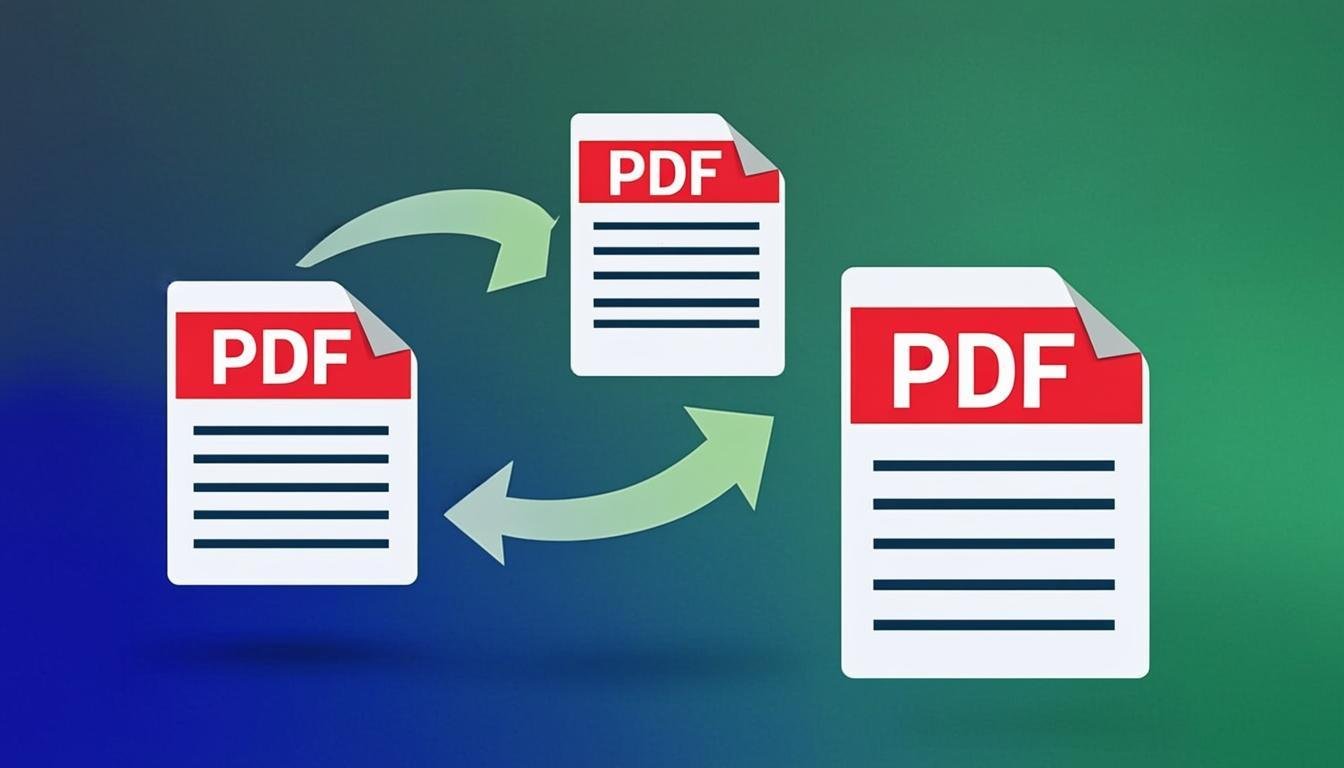
Merge PDF
Merge multiple PDF files into one document, in the exact order you want.
Use Tool →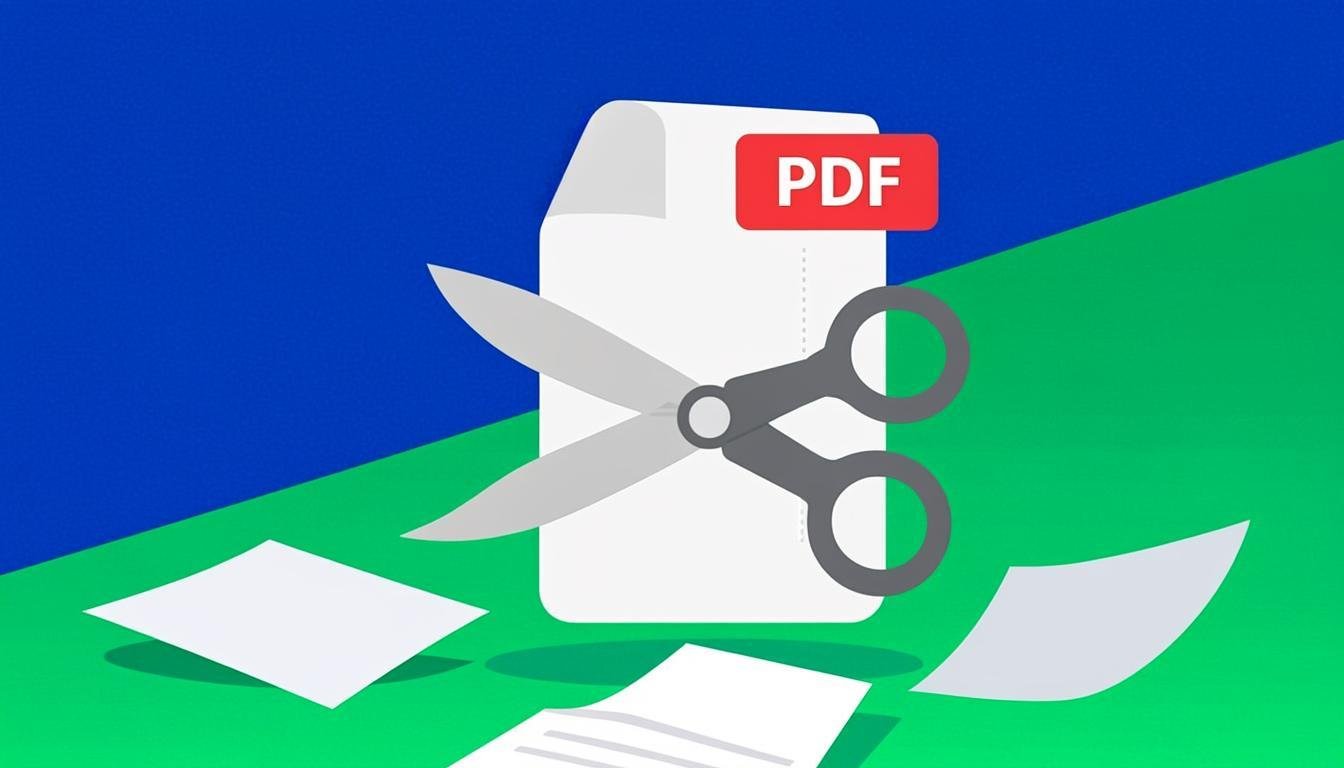
Split PDF
Split a PDF into separate pages or extract the ranges you need.
Use Tool →
Compress PDF
Reduce PDF file size while keeping text sharp and readable.
Use Tool →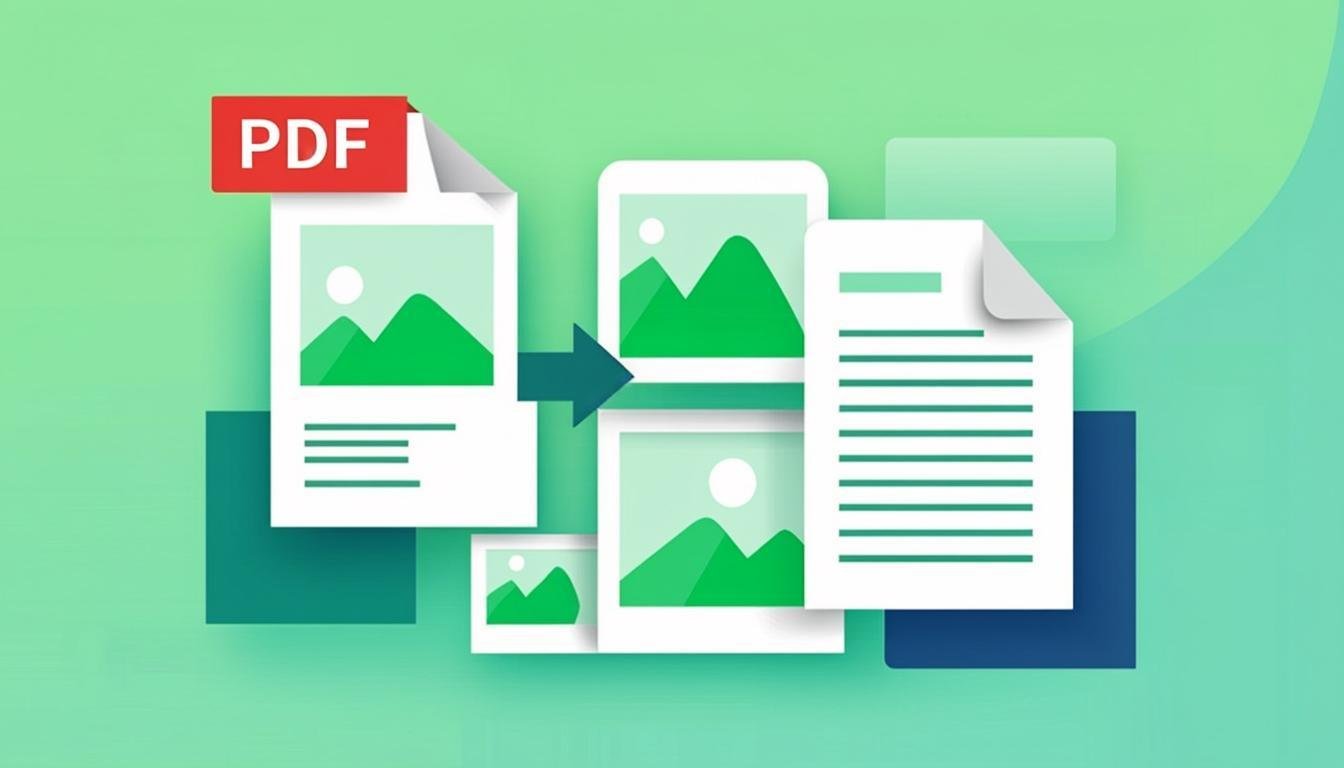
Image to PDF
Combine one or more images into a single PDF document.
Use Tool →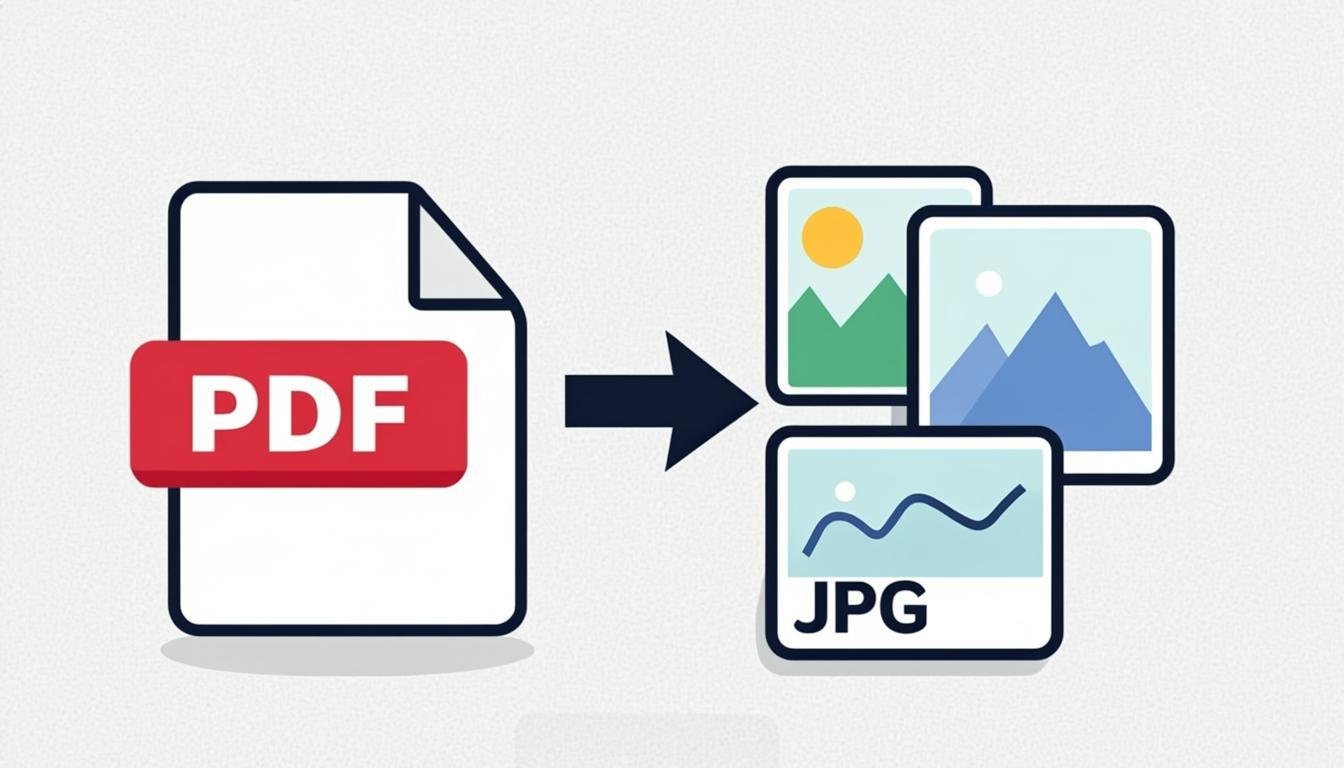
PDF to Image
Extract PDF pages as high-quality PNG or JPG images.
Use Tool →
PDF to PNG
Render PDF pages to sharp PNG images at 1×–3× resolution.
Use Tool →
Extract PDF Pages
Pull selected pages out of any PDF into a new document — in any order you want.
Use Tool →
Rotate PDF
Rotate every PDF page or just a range by 90°, 180° or 270° — saved permanently.
Use Tool →
Protect PDF
Password-protect a PDF with real encryption and permission controls.
Use Tool →
Watermark PDF
Stamp text watermarks (CONFIDENTIAL, DRAFT…) across all PDF pages.
Use Tool →
Add Page Numbers
Insert page numbers anywhere on a PDF, with position and format options.
Use Tool →
PDF to Text
Extract clean plain text from text-based PDFs, page by page.
Use Tool →
PDF OCR
Recognize text in scanned PDFs with on-device OCR — nothing is uploaded.
Use Tool →
PDF to Word
Turn PDF text into an editable Word (.docx) document in your browser.
Use Tool →
Word to PDF
Convert Word (.docx) documents to clean PDF files without Office.
Use Tool →
PDF Validator
Check any PDF's structure, encryption, metadata and overall health.
Use Tool →