Base64 to Image
Decode Base64 strings back to downloadable images. Support all common formats.
Paste Base64 String
Preview
Decoded image will appear here
Related Tools
About This Tool
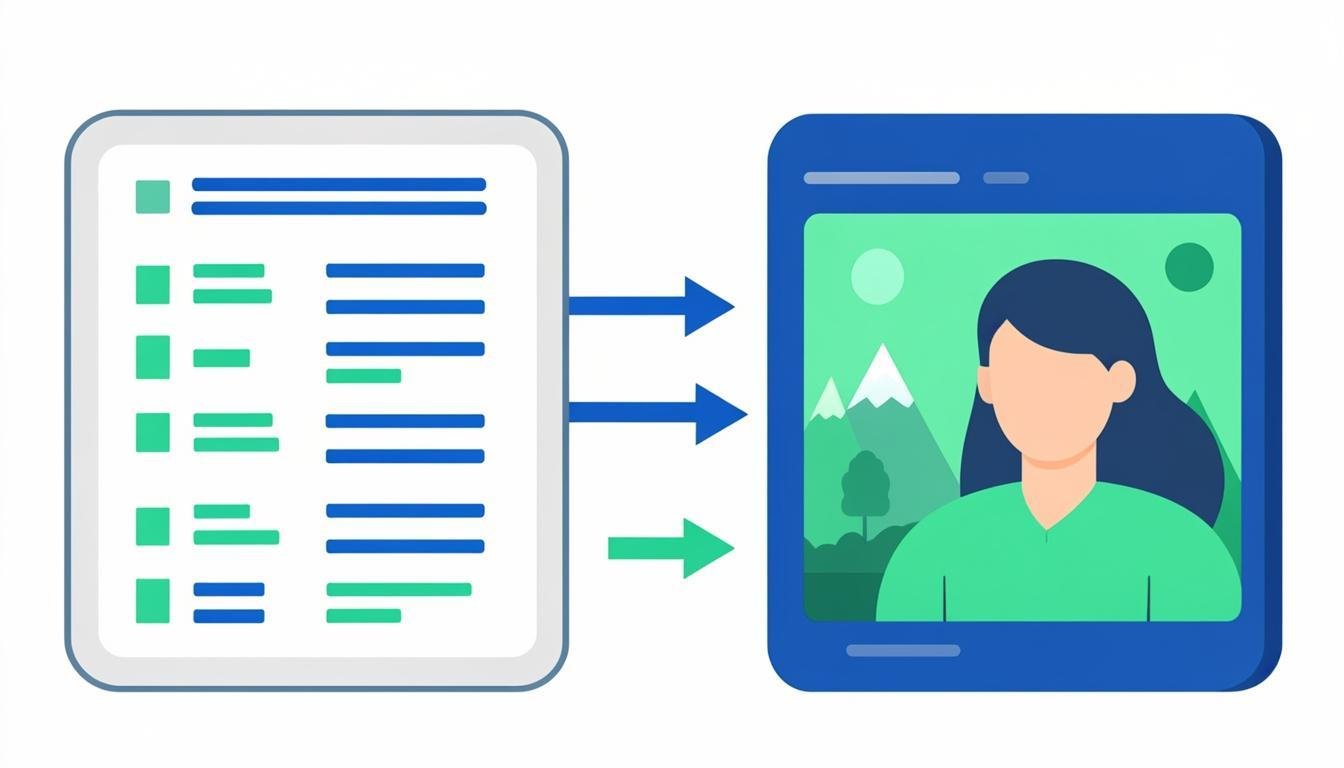
The reverse of encoding: paste a Base64 string or data URI and get the actual image file back, rendered and downloadable. You meet Base64 images in API responses, JSON payloads, database fields, CSS files and email source — this tool turns any of them back into a normal PNG/JPG/WebP file in two clicks. Everything runs locally; decoding even large strings is instant because it is a native browser operation.
How to Use This Tool
- Paste the Base64 string or complete data URI into the text box (the tool tolerates quotes, prefixes and whitespace).
- The image preview appears immediately if the string is valid.
- Check the detected MIME type and dimensions shown under the preview.
- Click download to save as the original format.
- If nothing renders, the string is truncated or corrupted — compare the length against the source system's expected size.
Advantages & Use Cases
Recover an image embedded in a JSON API response, extract the logo from an email's source HTML, or inspect a Base64 asset found in a stylesheet. QA engineers paste strings from API payloads to verify what the server actually returned.
Supported Formats & Recommendations
- All browser-decodable formats work: PNG, JPG, WebP, GIF, SVG, ICO, BMP.
- The output format follows the data-URI's MIME type automatically.
- Very long strings (multi-MB) may take a moment to parse — paste, don't type.
How We Test This Tool
We test decoding of every supported MIME with known reference images, verify graceful error messages for truncated, unprefixed and whitespace-laden strings, and confirm the downloaded file bytes match the decoded source exactly.
Related Tools You May Like
Helpful Resources
Frequently Asked Questions
The preview is broken — what is wrong with my string?
Most likely the string was cut mid-way during copy (check for a suspiciously round length), or it contains URL-encoded characters instead of pure Base64. Re-copy the full string including the data:image/...;base64, prefix if present.
Can this tool decode Base64 that has no data URI prefix?
Yes. It sniffs the magic bytes of the decoded binary and detects PNG, JPEG, GIF, WebP and more even without a prefix.
Is there a size limit?
Strings up to several MB decode fine. Beyond that the browser text box becomes slow — split or use a script for very large assets.