Image Converter
Convert image files online between supported formats for web, document and social workflows.
Convert images between formats: PNG, JPG, WebP, GIF, BMP, and more.
Target Format
Drop images here or click to browse
Supports PNG, JPG, WebP, BMP • Multiple files allowed
Related Tools
About This Tool
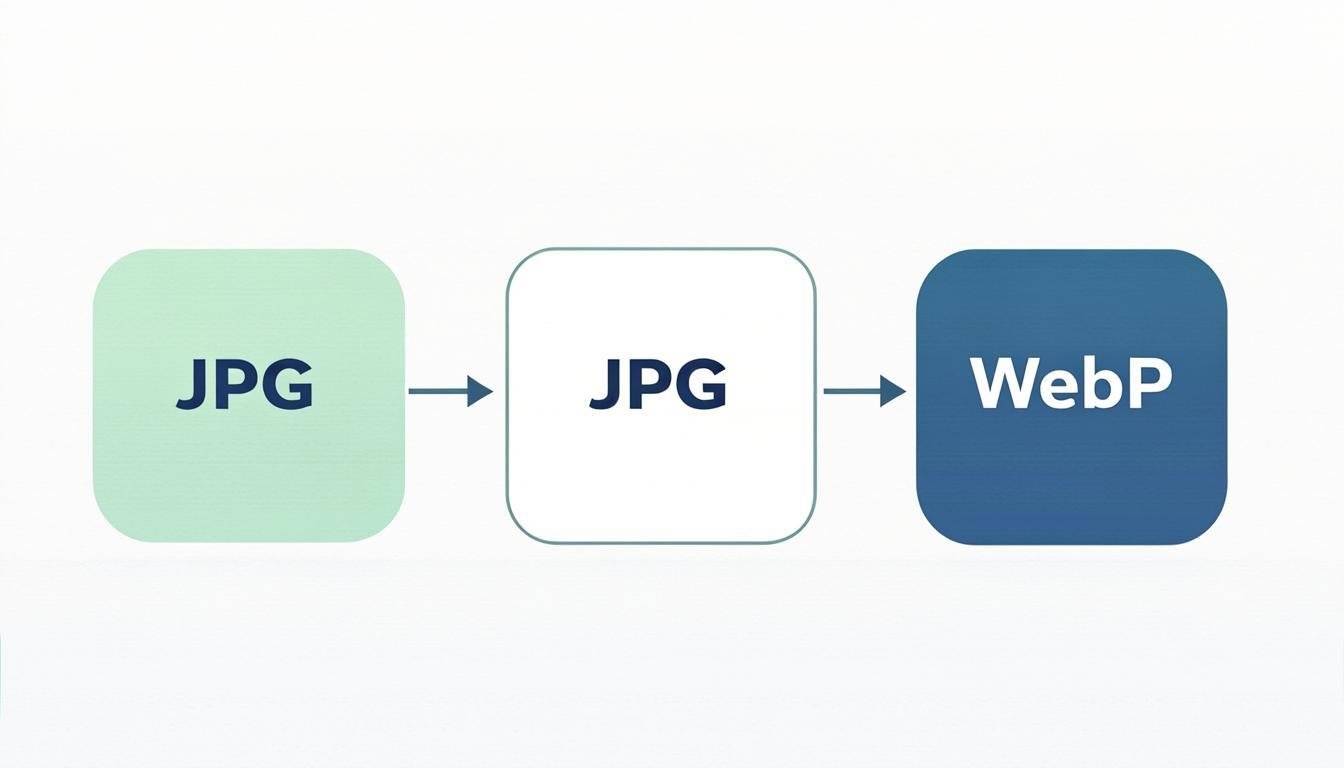
A universal format converter for JPG, PNG, WebP, GIF and AVIF that runs entirely in your browser. Convert a single file or drop a small batch, choose the target format, and download the results — useful when a platform rejects your format (a form that wants JPG, a store that demands PNG, a CMS configured for WebP only). Conversion is a re-encode, so the tool also lets you adjust quality when moving to a lossy format like JPG or WebP.
How to Use This Tool
- Drop one or more images into the zone.
- Pick the target format from the list — each option shows a hint about when to prefer it.
- If the target is JPG or WebP, set the quality (85 is a good balance).
- Start the conversion; a green check appears under each finished file.
- Download files individually or all at once.
- If colors look off after converting to JPG, re-run from the original with quality 90+ — JPG has no transparency, so PNG logos get a white background you can also set manually.
Advantages & Use Cases
Turn iPhone HEIC exports into JPG for an older Windows PC, prepare PNG UI screenshots as WebP for a documentation site, or flatten a transparent logo onto white for a marketplace that does not accept alpha channels. It also converts AVIF downloads back to JPG for software that has not adopted the format yet.
Supported Formats & Recommendations
- PNG → WebP: typical 20-30% saving with no visible loss.
- JPG → PNG: lossless but usually 3-5 times larger; only do it when you need transparency-free re-editing headroom.
- GIF (static) → WebP: much smaller; animated GIFs are better converted with the dedicated WebP converter.
- AVIF → JPG: for maximum compatibility with old software and some print shops.
How We Test This Tool
Release testing converts a transparency PNG, a 16.7-million-color photo JPEG, a 10-bit AVIF and an animated GIF, then checks color accuracy (delta-E under 2 on sampled pixels), alpha handling, correct ICC profile passthrough and that every output opens in Chrome, Firefox and Safari.
Related Tools You May Like
Helpful Resources
Frequently Asked Questions
Will converting JPG to PNG improve quality?
No — PNG is lossless but the detail lost by the original JPG compression cannot be recovered. Converting to PNG only makes sense for editing headroom or compatibility, not for quality.
Why did my transparent PNG become white?
JPG and most GIF outputs have no alpha channel, so transparency is flattened onto white. Keep the target as WebP or PNG to preserve transparency.
Does conversion keep the EXIF date and camera model?
EXIF metadata is preserved when converting between raster formats, unless the target format cannot store it. Use the Image Metadata tool afterwards to check or strip it.