Image Watermark
Add text or image watermarks to protect your photos. Customizable position, opacity, and style.
Drop your image here
or click to browse • PNG, JPG, WebP, GIF
Related Tools
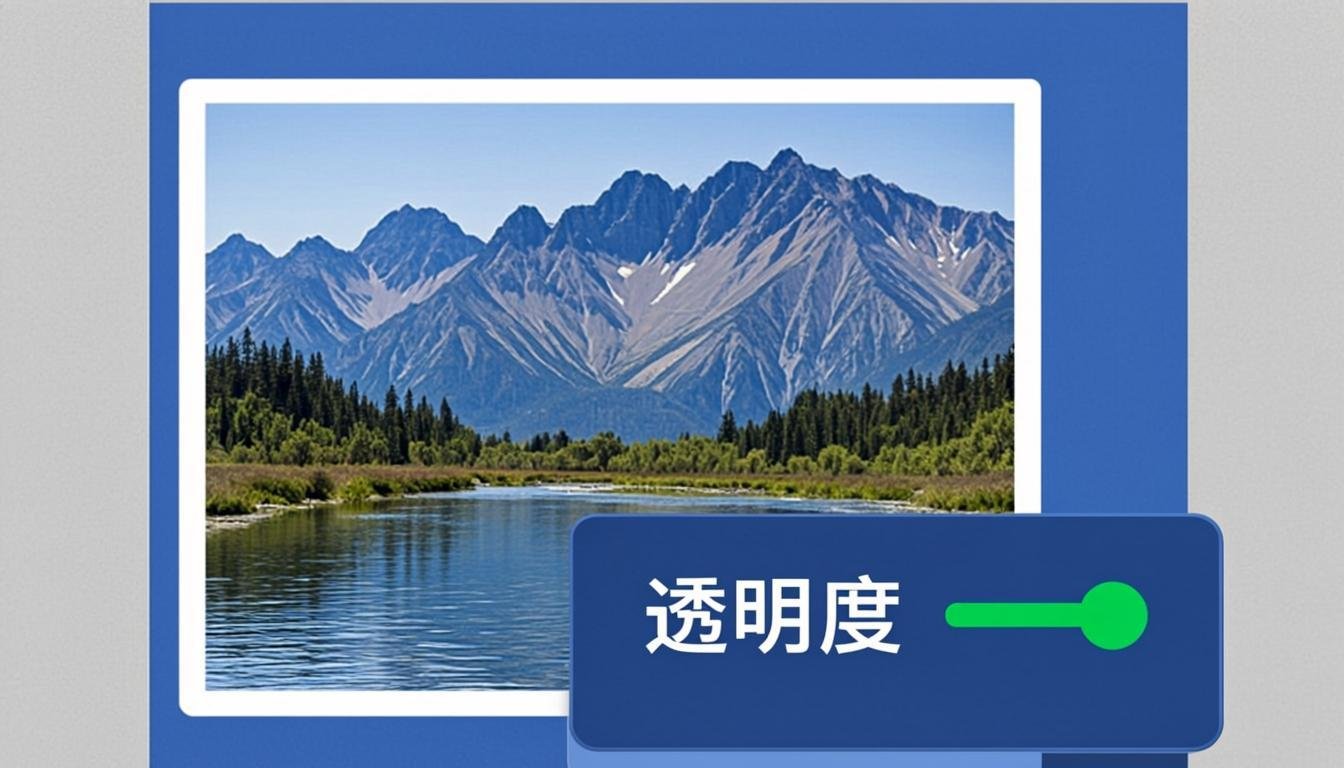
About This Tool
Protect your images with a text or logo watermark, applied locally in seconds. Position the mark anywhere with live placement control, set opacity and size, and decide between a single centered mark or a tiled pattern that survives cropping. Photographers, designers and stock contributors use it to keep credit when images circulate; businesses stamp draft or confidential marks on internal documents before sharing.
How to Use This Tool
- Drop the image (or up to a small batch) into the zone.
- Choose Text watermark — type your name, site or "CONFIDENTIAL" — or Logo watermark and drop a transparent PNG.
- Set opacity between 30% (subtle credit) and 70% (strong deterrent), and the size as a percentage of image width.
- Pick the position (corners, center) or Tile mode to repeat the mark across the whole surface.
- Preview, then download the watermarked copies.
Advantages & Use Cases
Stamp DRAFT across contract scans before client review, tile a portfolio with your studio name so cropped re-uploads still carry credit, or mark invoice copies as PAID with a diagonal seal. Tutors watermark course slides with the student's email to discourage redistribution.
Supported Formats & Recommendations
- Watermark photos as JPG quality 88; keep PNG when the underlying image has text or sharp UI edges.
- Logo watermarks need a PNG with transparency for a clean composite.
- Tile mode at low opacity (25-35%) is the strongest protection against cropping.
How We Test This Tool
Releases are tested with a 4000 px photo: at 40% opacity the mark must stay legible after JPEG re-encode, tile spacing must be uniform with no cut-off marks at the edges, and logo alpha blending must show no dark fringes over light and dark backgrounds.
Related Tools You May Like
Helpful Resources
Frequently Asked Questions
Can a watermark be removed?
A single small watermark can be cropped or cloned out. Dense tile mode at 35-50% opacity across the full image is impractical to remove without destroying the picture.
Where should I place the watermark?
Over a mid-detail area (not a flat sky, not a face) at 40-60% opacity. Corners get cropped away easily; center-tiled is the deterrent, corner is the credit.
Will the watermark survive Instagram or LinkedIn compression?
Partially — platforms re-compress hard. Use 50-60% opacity and slightly larger text than looks necessary in preview.