Image Cropper
Crop photos and graphics online to fit a target composition, then check the saved image before publishing.
Crop images with precision. Free-form or preset aspect ratios for social media.
Drop your image here
or click to browse • PNG, JPG, WebP, GIF
Related Tools
About This Tool
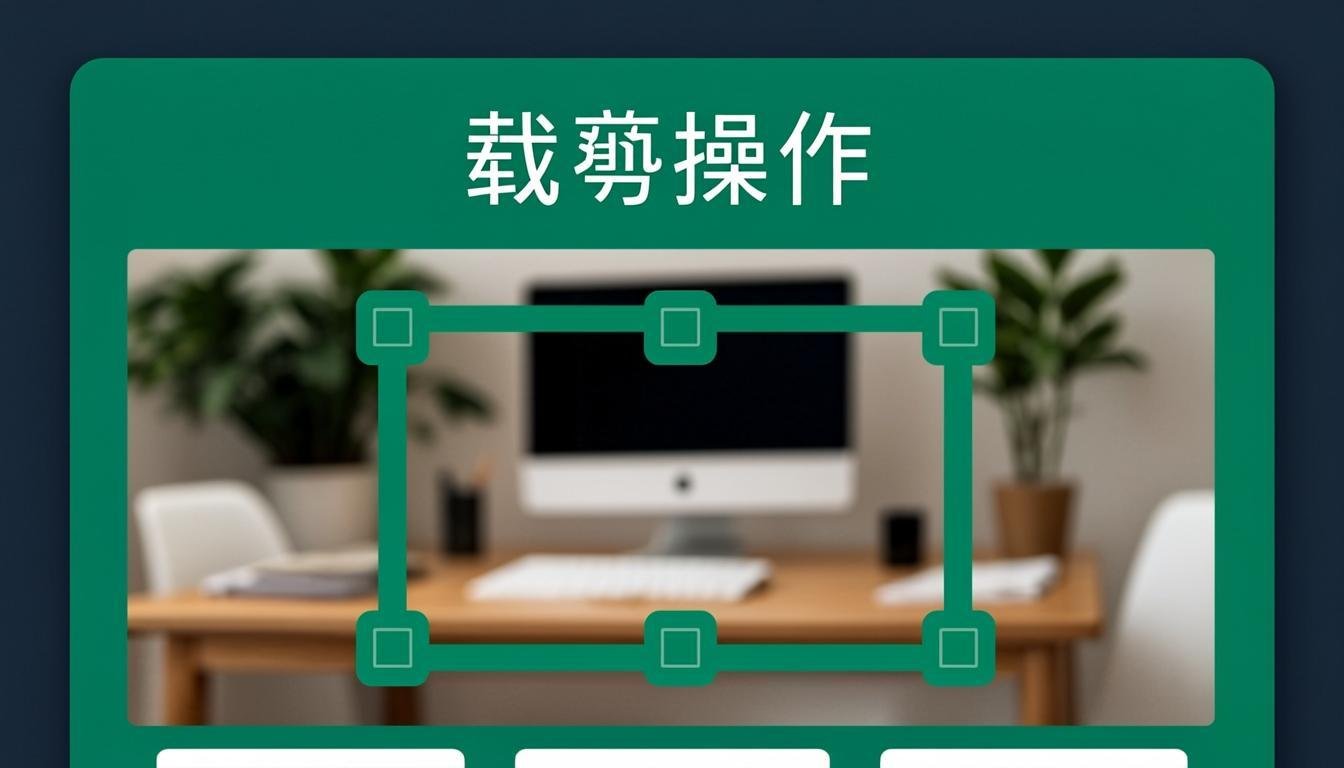
Crop images to the exact region you need, with a visual drag-and-resize handle, entirely in your browser. Crop out a person for a profile picture, trim empty margins from a scan, or extract a 1200×630 hero from a wide screenshot for social previews. Free-form, fixed-ratio (1:1, 4:3, 16:9) and exact-pixel crop modes cover everything from avatars to print sizes. Your file never leaves the device.
How to Use This Tool
- Drop the image into the canvas area.
- Drag the crop rectangle, or type exact X/Y/width/height values for pixel-perfect crops.
- Optional: lock a ratio (1:1 for avatars, 16:9 for thumbnails) so the box keeps proportions while you move it.
- Apply the crop and review the preview.
- Download — the output contains only the selected region at original resolution, no rescaling.
Advantages & Use Cases
Square-crop a headshot for LinkedIn (400×400 or 800×800), cut a passport photo to the required 35×45 mm ratio, extract charts from slides for a report, or trim screenshots to the relevant dialog for documentation. Cropping before compressing also reduces file size since fewer pixels remain.
Supported Formats & Recommendations
- Output keeps the input format by default; switch to PNG when cropping text or UI (sharp edges), JPG for photos.
- Exact-pixel crops are resolution-true: a 300×300 crop from a 12 MP photo is a real 300×300 file, useful for avatar uploads with strict size checks.
How We Test This Tool
Testing verifies crop coordinates against a reference grid image: a crop specified as X=100,Y=50,400×300 must output exactly those pixels with zero offset at 1x zoom, ratios stay locked during handle drags, and rotation metadata from phone photos is respected.
Related Tools You May Like
Helpful Resources
Frequently Asked Questions
Can I crop without losing resolution?
Yes — cropping just removes outer pixels; the kept region stays at 100% original quality. Only resizing changes pixel density.
How do I crop to exactly 16:9 for a YouTube thumbnail?
Lock the 16:9 ratio, drag the box over the area you want, then fine-tune with the numeric fields. Output will be exactly proportional; enter 1280×720 as target size if you also need specific dimensions.
Why did my phone photo appear rotated in the cropper?
Phones store orientation in EXIF rather than rotating pixels. The tool reads EXIF and displays the photo as you see it in your gallery, so crops come out the way you framed them.