Favicon Generator
Generate favicons for your website from any image. All sizes for modern browsers.
Upload your logo or image
Square images work best. Supports PNG, JPG, WebP, SVG
Related Tools
About This Tool
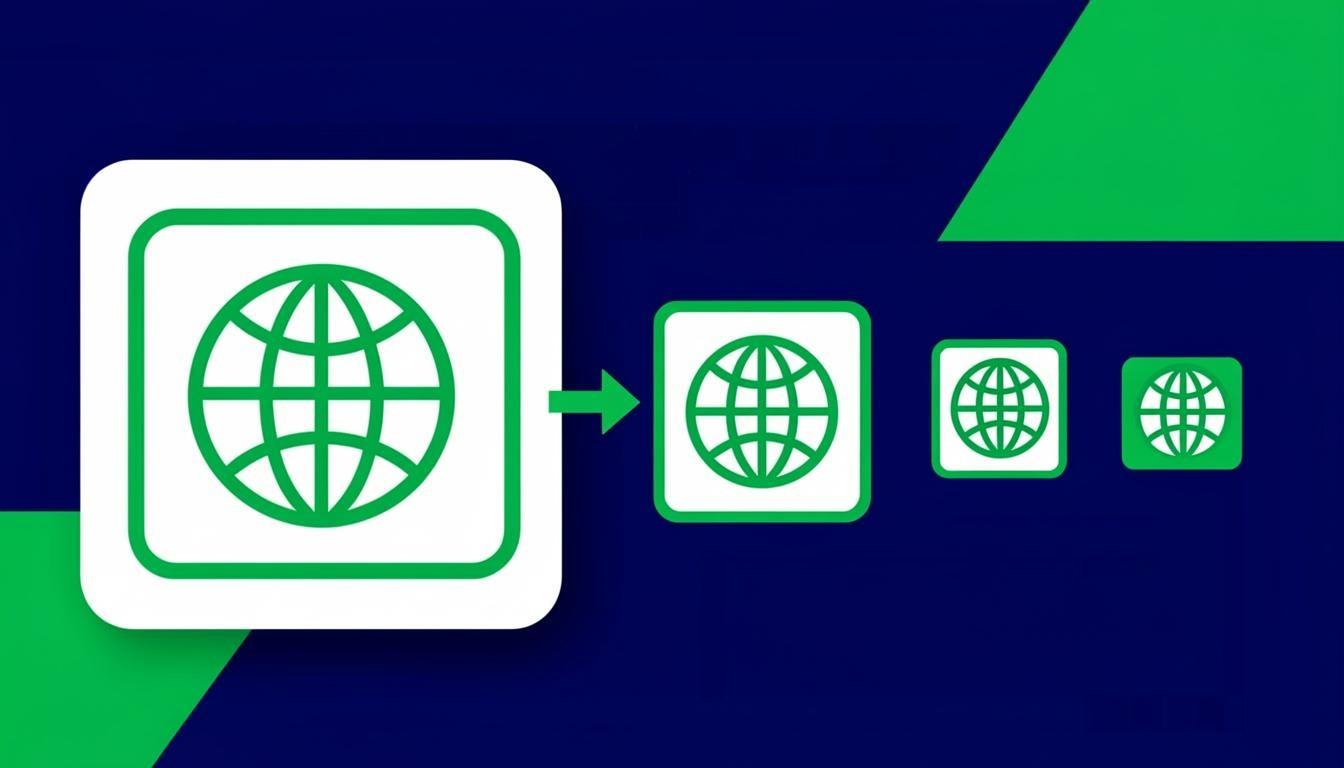
Generate a complete favicon set from any image: 16, 32, 48 px favicons, 180 px Apple touch icon, 192 and 512 px Android/PWA icons — all from one drop, all locally. Also included: the exact HTML link tags to paste into your
so every browser and platform picks the right file. Square or non-square sources both work: the tool center-crops to square with optional background padding for logos that aren't square.How to Use This Tool
- Drop your logo (square SVG or PNG at 512 px+ works best).
- Preview the 16 px and 32 px renderings — this is where logos usually need simplification.
- If the logo is not square, choose crop or pad-with-color.
- Generate the set and download the ZIP.
- Paste the provided tags into your site's head and upload the files to your root directory.
Advantages & Use Cases
Ship a proper favicon set for a new site launch, refresh brand icons across a PWA, or fix the blurry-tab-icon problem by generating crisp 16/32 px renders from a vector source instead of downscaled screenshots.
Supported Formats & Recommendations
- Source at 512 px or larger (or SVG) gives the cleanest small sizes.
- PNG outputs cover every modern browser; complex logos may need a simplified mark for 16 px legibility.
- Keep icon file names exactly as the generated HTML expects for drop-in setup.
How We Test This Tool
Each release renders a high-detail logo and a simple mark at all sizes: 16 px output must remain recognizable, the HTML snippet must reference exactly the files in the ZIP, and Apple touch icon must come without transparency (iOS flattens it to black otherwise).
Related Tools You May Like
Helpful Resources
Frequently Asked Questions
Why does my favicon look blurry in the tab?
You're likely downscaling a detailed logo. Favicon sizes are tiny — use a simplified mark (one shape, two colors) for 16/32 px and keep the detailed logo for larger icons.
Do I still need favicon.ico?
Modern browsers accept PNGs via link tags. Generating a .ico is only needed for very old browsers — the ZIP includes one for completeness.
Which icon does iOS use?
The 180 px Apple touch icon. iOS fills transparent areas with black, so the generator composites it onto your chosen background automatically.