Image to PDF
Turn supported images into a PDF online and review page order and the downloaded document before use.
Convert images to PDF documents. Combine multiple images into a single PDF file.
Page Settings
How it works
- Upload multiple images
- Drag to reorder pages
- Customize page size & margins
- Click Generate to create PDF
Add images to convert
Drag and drop or click to upload multiple images
Related Tools
About This Tool
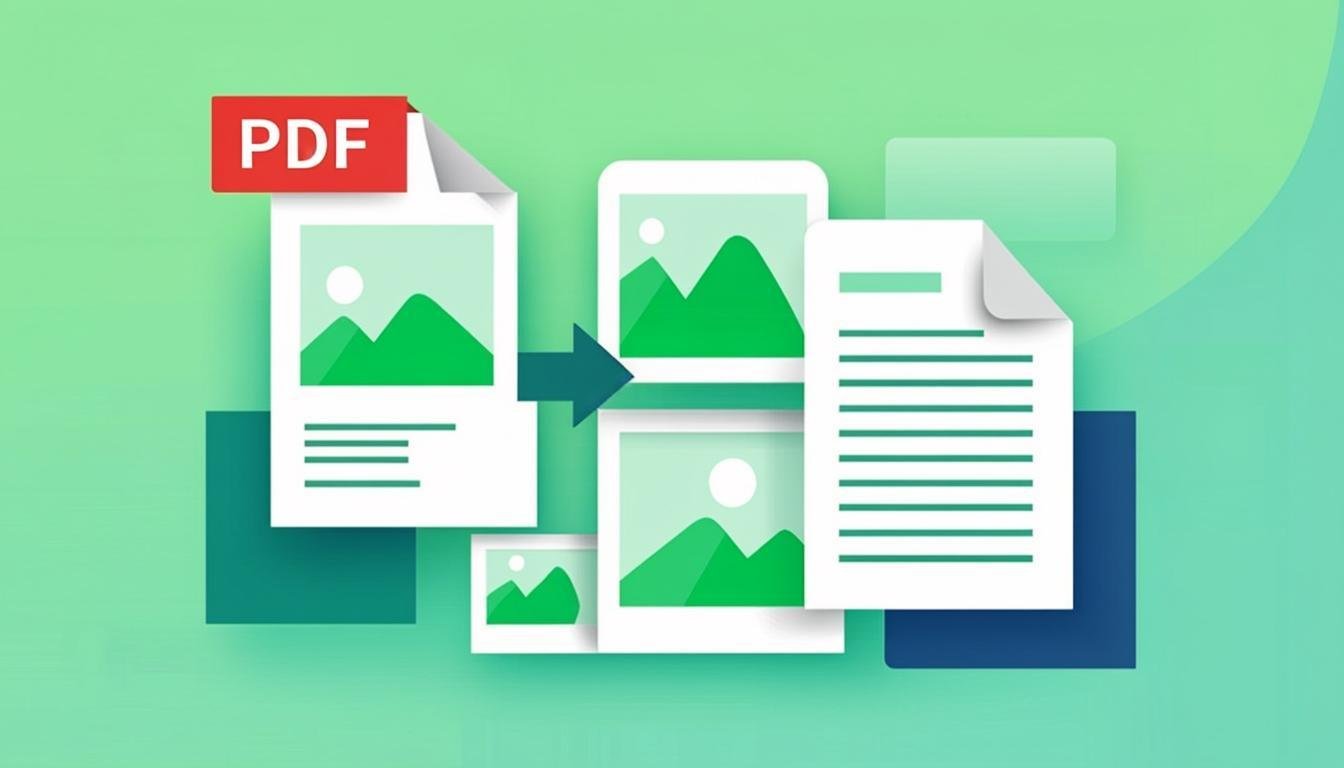
Convert images into a single multi-page PDF entirely in your browser — combine scanned pages, receipts, ID copies or photos into one document with pages in your chosen order. Nothing is uploaded, which makes it appropriate for identity documents and financial papers. Page size options (A4, Letter, fit-to-image) and margins give the PDF a clean, printable look instead of raw image dumps.
How to Use This Tool
- Drop your images — they appear as an ordered list of future pages.
- Reorder by drag-and-drop or the arrow buttons; each thumbnail is one page.
- Choose page size: A4 or Letter with your images fitted inside margins, or Fit to image for borderless pages.
- Optionally set orientation per document (portrait/landscape).
- Generate the PDF and download — pages embed at full resolution by default.
Advantages & Use Cases
Send a rental application as one PDF instead of nine photo attachments, compile a signed contract's pages in the right order for legal validity, or build a product-catalog PDF from 15 photos. Freelancers bundle receipts monthly for expense reports the same way.
Supported Formats & Recommendations
- JPEG photos embed efficiently; PNG screenshots keep text sharp inside the PDF.
- Scans: 150-200 DPI equivalent width (about 1600 px for A4) keeps files reasonable — a 10-page scan lands around 3-6 MB.
- Use Fit-to-image for full-bleed portfolios, A4 with margins for anything intended to be printed.
How We Test This Tool
Release tests build a 12-page PDF from mixed JPG/PNG inputs and validate with an independent PDF reader: correct page order, page dimensions as configured, embedded images at full source resolution, and total file size within 10% of the sum of inputs.
Related Tools You May Like
Helpful Resources
Frequently Asked Questions
Will the PDF quality match my original images?
Yes — images embed at their native resolution; the PDF is a container. Choose A4-fit only when you want the visual scaling; the pixels stay intact either way.
Can I add a password to the resulting PDF?
This tool focuses on assembly without upload — encryption happens locally too but is not exposed here yet. Generate the PDF, then apply protection in a PDF reader if needed.
Is there a page limit?
Hundreds of pages work; the practical limit is browser memory with very large images. For 100+ high-res scans, expect a wait of a minute or two.