PDF to Image
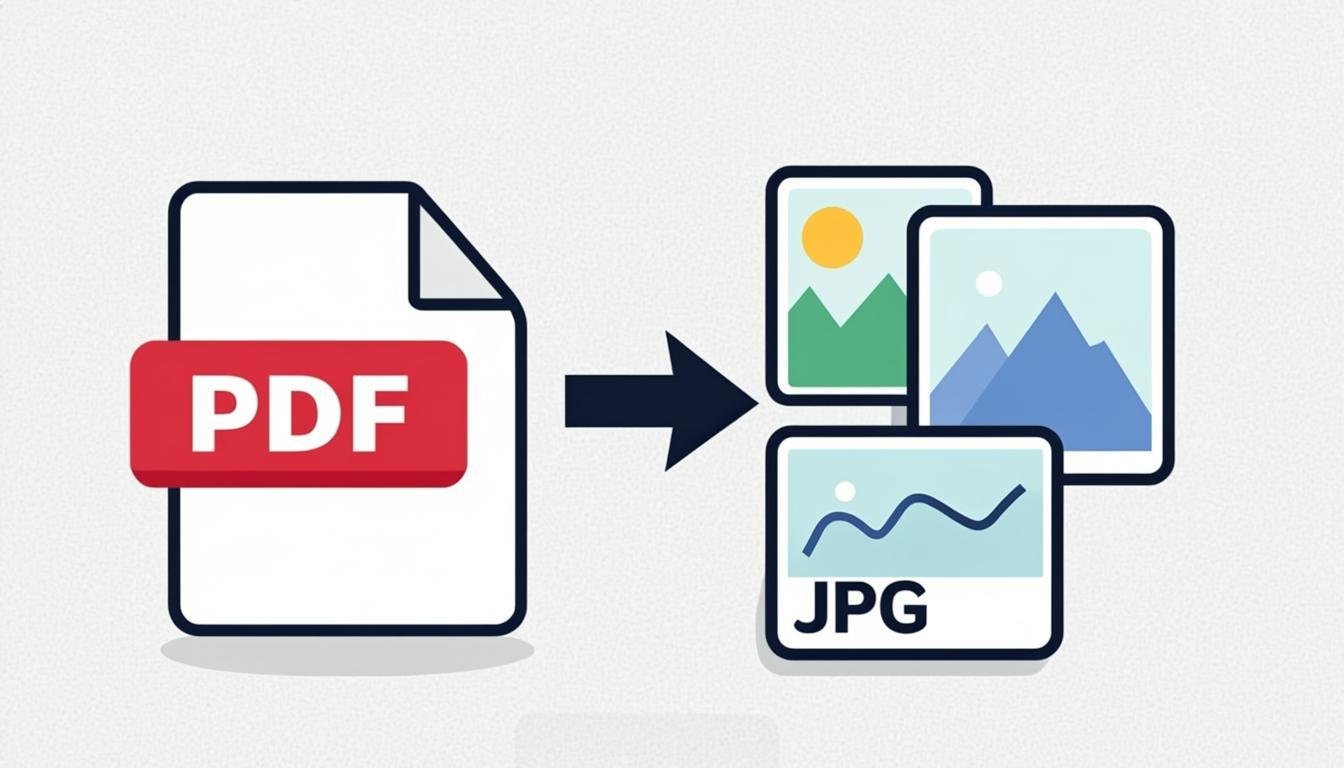
Convert PDF pages to high-quality JPG or PNG images. Select pages and resolution.
Output Format
Resolution
Drop your PDF here
or click to browse — PDF files only
Related Tools
About This Tool
Render PDF pages to PNG or JPG images, page by page, in your browser. Turn slides into shareable pictures, extract a scan page for an online form that wants images, or generate thumbnails of a document for a website or chat preview. Resolution is your choice: 150 DPI-equivalent for screens, 300 DPI-equivalent for print-quality output. Files never leave your device.
How to Use This Tool
- Drop the PDF — each page appears as a live-rendered thumbnail.
- Pick the output format: PNG for text and UI sharpness, JPG for smaller photo-heavy pages.
- Set the resolution scale (1x = 72 DPI-equivalent, 2x ≈ 144, 4x ≈ 288).
- Select pages to convert or keep all.
- Convert and download individually or as a ZIP.
Advantages & Use Cases
Post presentation slides as images on social media, extract a single signed page to upload to a form that rejects PDFs, or produce preview thumbnails of a whitepaper for a landing page. Teachers convert worksheet pages into images for interactive whiteboards.
Supported Formats & Recommendations
- PNG for anything with text — vector text stays crisp at 2x-4x scales.
- JPG at 85-90 for scanned photos to keep size sane.
- 4x scale on a 50-page PDF produces big files; select pages instead of converting everything.
How We Test This Tool
Each release renders a vector test PDF (text, gradients, transparency) at 1x and 4x, compares against the reference PDF renderer for glyph accuracy and color, verifies page order in the ZIP, and confirms rotated pages come out correctly oriented.
Related Tools You May Like
Helpful Resources
Frequently Asked Questions
Which resolution should I pick?
2x (≈144 DPI) is plenty for screens and email. Use 4x only for print or when you plan to crop the output — file size grows with the square of the scale.
Why is text slightly blurry in my JPG?
JPG's compression smooths letter edges. Choose PNG for text-heavy pages; the difference at 2x+ scale is immediately visible.
Can I convert a password-protected PDF?
If it opens for viewing without a password, yes. Fully encrypted files must be unlocked in a PDF reader first — the tool cannot and should not bypass protection.