Remove Background
Remove image backgrounds instantly. Get transparent PNG results with Browser-based removal.
Drop your image here
or click to browse • PNG, JPG, WebP, GIF
Works best with solid-color backgrounds
Color-Based Removal
Detects and removes the dominant background color with adjustable tolerance
Edge Feathering
Smooth edges for a natural look when compositing on new backgrounds
Privacy scope
Processing may occur in the browser for supported operations; review the privacy policy for scope to any server
Related Tools
About This Tool
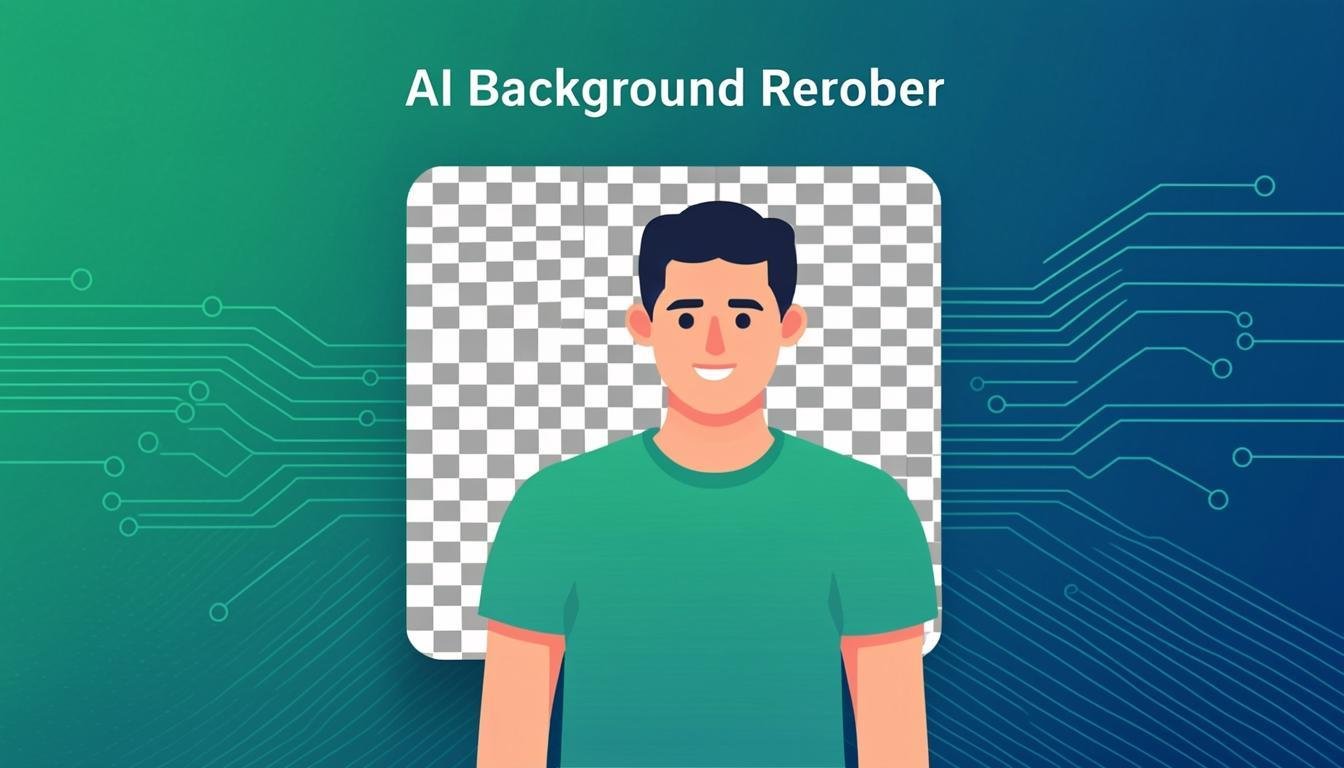
Remove the background from product shots, portraits and graphics entirely in your browser — output a transparent PNG ready for marketplaces, landing pages and design layouts. The segmentation model detects the main subject and separates it from the backdrop locally, so unreleased product photos and client images stay private. Edges are anti-aliased against transparency, and a manual cleanup brush fixes the few pixels the model may miss around hair, fur or glass.
How to Use This Tool
- Drop your image — a photo with a clear, contrasted subject works best.
- Wait a few seconds while the local model segments the subject (first use downloads the model to cache).
- Inspect the transparent result on the checkerboard preview.
- If edges need care, use the restore/erase brush to paint corrections at zoom.
- Download the transparent PNG — or pick a solid new background color and download that instead.
Advantages & Use Cases
Prepare white-background product photos for Amazon/eBay requirements from casual shots, cut a presenter out of an event photo for a landing page hero, or isolate a logo from a photographed business card for reuse. Designers pre-cut assets this way before compositing.
Supported Formats & Recommendations
- Output PNG with alpha (or WebP for smaller files); JPG only if you re-add a solid background since JPG cannot store transparency.
- Best input: subject clearly distinct from background, even lighting. Busy backgrounds (crowds, foliage) may need brush cleanup.
- For e-commerce, re-add pure white (255,255,255) — marketplaces require white, not transparent.
How We Test This Tool
Each release runs a standard set (person on plain background, product on textured table, pet with fur edges) and scores edge quality: no halo of old background color, fur strands preserved within 2 px tolerance, checkerboard preview rendering, and model completion under 10 seconds for a 2 MP image.
Related Tools You May Like
Helpful Resources
Frequently Asked Questions
Why does the cutout have a colored fringe?
The model kept a 1-2 px edge of the old background. Zoom in and run the erase brush along the edge, or re-source a photo where the subject/background contrast is stronger.
Is a green screen needed for good results?
No — modern segmentation handles ordinary backgrounds. Contrast helps though: a dark subject on a dark floor gives the model less to work with.
Where does the processing happen?
On your machine — the model loads into your browser and runs on your CPU/GPU. Nothing uploads, which is why it works fine with confidential product prototypes.