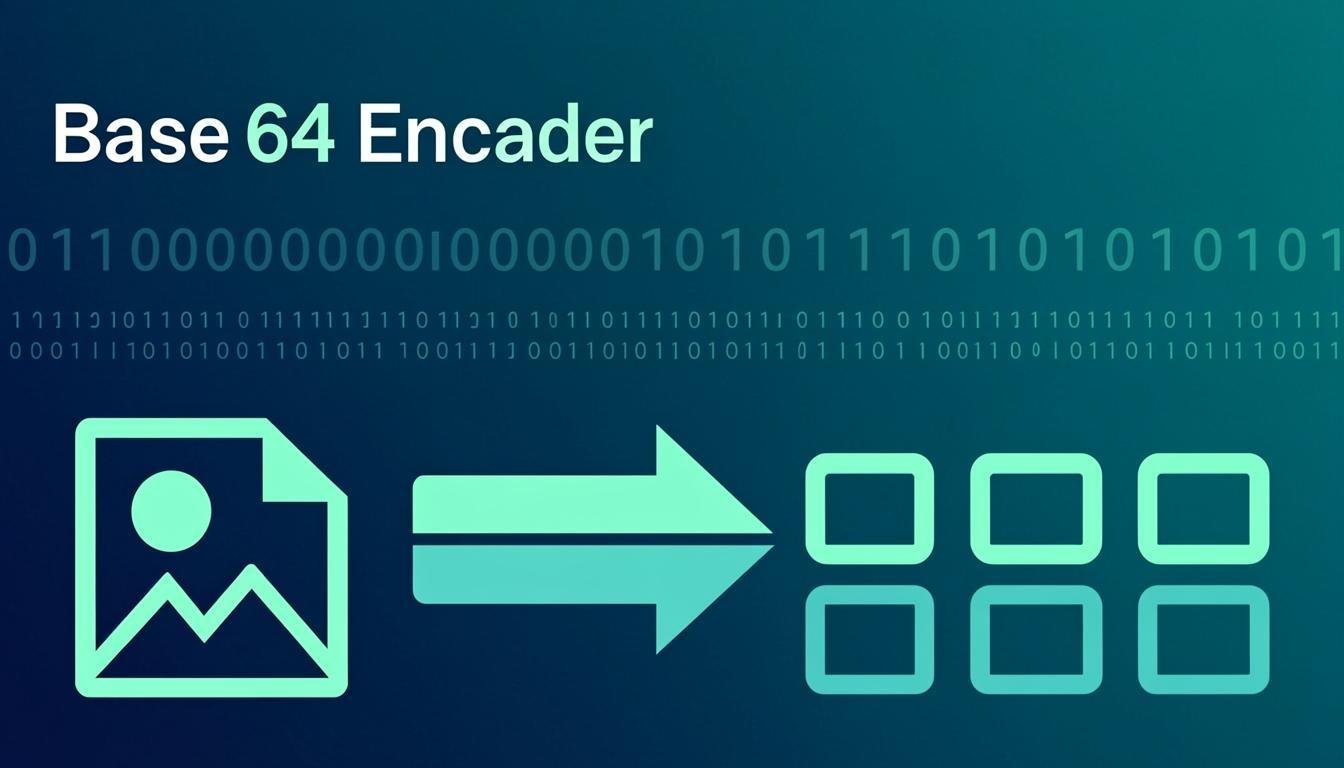
Web Tools · Free · No signup
Convert text to Base64 and back with correct, standard-compliant handling of the tricky cases: accents, emoji and any non-Latin characters (real UTF-8 encoding, not the naive btoa that throws on “🐼”). Choose URL-safe output for query strings and tokens, decode Base64 that arrived from an API, and swap input and output in one click to chain operations. Every byte is processed by your browser — nothing is transmitted.
🔒 100% private: everything runs inside your browser — nothing is uploaded, stored or logged.
Accents, CJK, emoji — encoded and decoded byte-perfectly via TextEncoder/TextDecoder, where naive tools crash or corrupt.
Optional - and _ instead of + and / for JWT-style tokens and query parameters.
Chain operations: encode, swap, decode — verify a round-trip in two clicks.
Spaces and newlines inside pasted Base64 are stripped automatically; missing padding is fixed.
All conversion is browser JavaScript. Passwords, tokens and payloads never leave the tab.
Input & output. Input: any UTF-8 text (encode) or a Base64 string in standard or URL-safe alphabet, with or without padding (decode). Output: Base64 text or decoded UTF-8 text.
Base64 is an encoding, not encryption — anyone can decode it, so never treat Base64 as protection for secrets. Decoding assumes the input is valid UTF-8: binary files decoded here will show replacement characters (use our Image to Base64 / Base64 to Image tools for images). Extremely long strings (tens of MB) are limited by browser memory.
They call btoa() directly, which only accepts characters up to byte 255. Emoji are multi-byte UTF-8. This tool encodes the string to UTF-8 bytes first, then Base64 — the standard-compliant way.
No. It is a reversible, key-free encoding whose only purpose is safe transport through text-only channels. Anyone can decode it — use real cryptography for secrecy.
Either the input was not valid Base64 (typos, line breaks from email wrapping) or it encoded binary data, not text. The tool auto-strips whitespace and fixes padding before decoding.
Standard Base64 uses + and /, which have special meanings in URLs. The URL-safe alphabet replaces them with - and _. JWTs use it by default.
About 33%: every 3 bytes become 4 characters, plus optional padding. That is the cost of carrying binary through text channels.
Keep going
Encode any image into a Base64 string for CSS, HTML or JSON.
Use Tool →
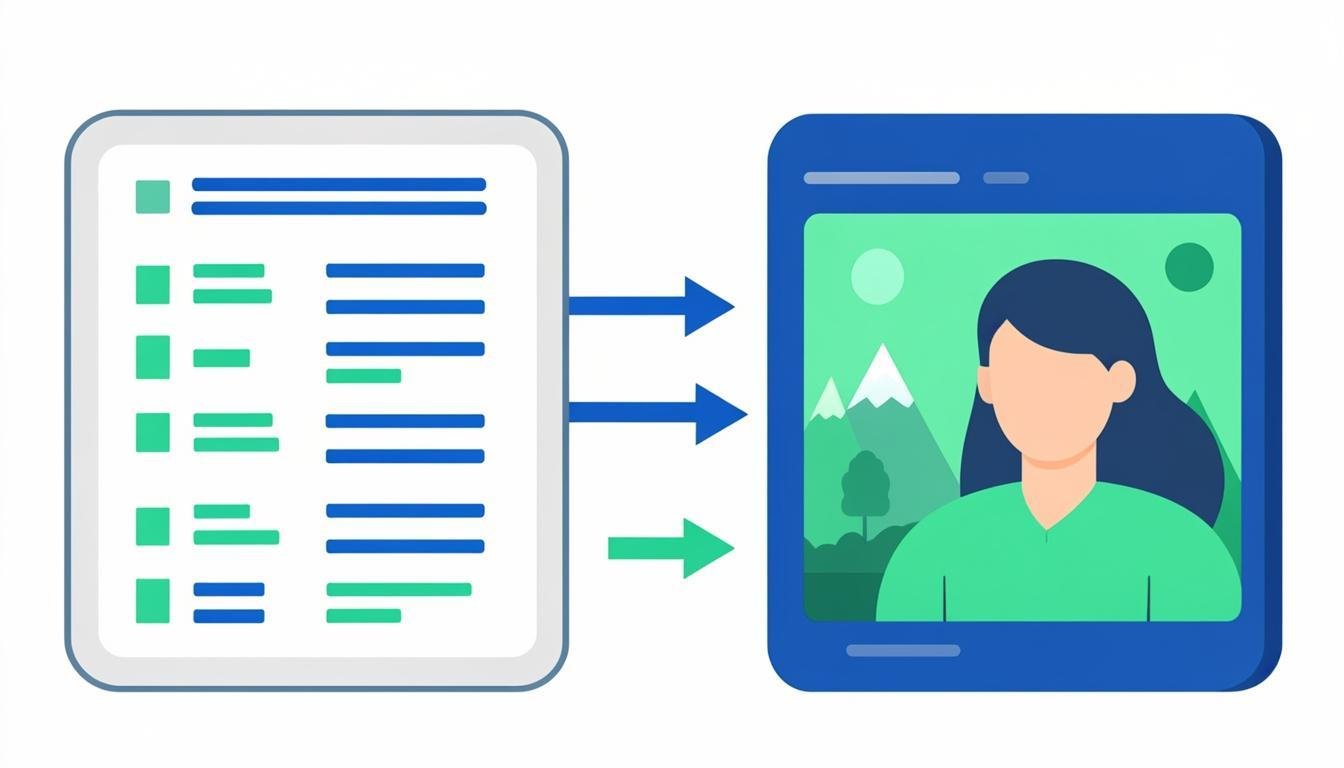
Decode Base64 strings back into downloadable image files.
Use Tool →
Encode or decode URLs and query components with proper percent-encoding.
Use Tool →
Format, validate and minify JSON with clear error locations.
Use Tool →
Generate strong random passwords offline with cryptographic randomness.
Use Tool →

On mobile?
This tool runs in any mobile browser — no app needed. And for the image & PDF side of the toolbox, the CompressoPanda Android app ships 36 tools that run with no connection at all: compression to target size, editing and PDF essentials included.