Conversion · Free · No signup
Turn any JPG or JPEG image into a clean PNG file in seconds — right here in your browser. The conversion is pixel-perfect: PNG is a lossless format, so every detail of your original photo survives the trip. Drop one file or a whole batch, and download the results immediately.
Drop your jpg to png files here or click to browse
You can also paste from the clipboard (Ctrl+V)
🔒 100% private: your files are processed by your own browser and never leave your device.
PNG uses lossless compression, so the output keeps 100% of the original JPG pixels — no new artifacts, ever.
Queue dozens of JPGs at once. Everything runs sequentially on your device, still without any upload.
Copy a region or an image anywhere, press Ctrl+V on the page and convert it instantly.
Once the page is open, the converter keeps working even if your connection drops.
The PNG container supports alpha, useful if you convert the result further in an editor.
Supported formats. Accepts .jpg and .jpeg (progressive and baseline). Outputs .png (8-bit RGB/RGBA).
Converting JPG to PNG usually increases file size — PNG stores the already-compressed JPG data losslessly but cannot restore information JPEG discarded. This tool converts formats; it does not improve quality. For smaller files, use the Image Compressor instead.
The PNG file itself is lossless — the pixel data taken from your JPG is stored exactly. But any compression loss from the original JPG encoding remains, because JPEG compression is destructive and cannot be undone.
JPEG is a lossy format tuned for photos; PNG stores pixels without loss and compresses them differently. Photographic content typically becomes several times larger as PNG. That is normal, not a bug.
No. The conversion happens in your browser with JavaScript. Your files never leave your device — you can even disconnect from the internet after the page loads.
There is no hard limit. Batches of 50+ photos work, but very large batches take longer because every file is processed sequentially on your machine.
Yes. The converter runs in any modern mobile browser (Android and iOS), touch included.
Keep going
Convert PNG to compact JPG with white background and quality control.
Use Tool →
Convert JPG to WebP for the same look at 25–35% smaller.
Use Tool →
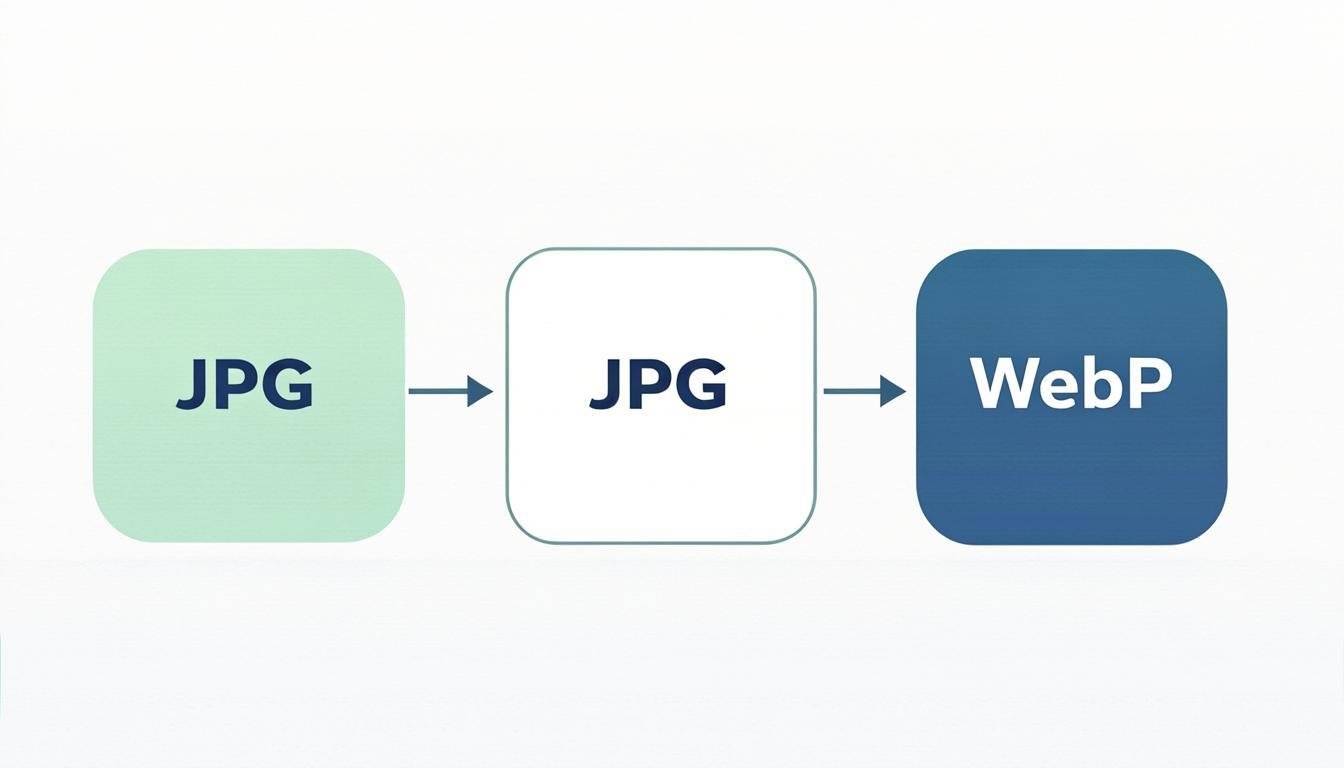
Convert images between JPG, PNG, WebP, AVIF and more formats.
Use Tool →
Compress JPG, PNG and WebP images online while keeping high visual quality.
Use Tool →
Compress a whole batch of images at once with the same quality settings.
Use Tool →

On mobile?
The CompressoPanda Android app ships 36 tools that run with no connection at all — including target-size compression, conversion and PDF essentials.