Conversion · Free · No signup
Convert PNG images to compact JPG files directly in your browser, with a quality slider you control. Transparent areas are flattened onto a clean white background automatically, which is exactly what social platforms, marketplaces and email clients expect. Batch conversion included — and as always, nothing is uploaded.
Drop your png to jpg files here or click to browse
You can also paste from the clipboard (Ctrl+V)
🔒 100% private: your files are processed by your own browser and never leave your device.
Choose your own trade-off between file size and fidelity, from 50% to 100%.
Semi-transparent pixels are composited over white — no ugly black boxes in the output.
PNG screenshots and graphics typically shrink 3–10× when converted to quality-85 JPG.
Convert an entire folder of PNGs in one run, still 100% on-device.
Each row shows the final file size so you can tune quality and re-convert in seconds.
Supported formats. Accepts .png (including interlaced and 16-bit). Outputs .jpg (baseline, 4:2:0 or 4:4:4 depending on browser).
JPG does not support transparency — alpha is flattened onto white. JPG is lossy: converting introduces slight (usually invisible above quality 85) artifacts, and text edges on screenshots may look softer. For graphics with sharp text, PNG or WebP is the better target.
They are composited over a solid white background before JPEG encoding. If you need another background color, do the fill in an editor first.
85–90% is visually transparent for most photos and saves the most space. 95–100% produces files close to PNG-like fidelity; 50–75% is fine for thumbnails and previews.
JPEG discards color detail the human eye barely notices, so photo-like PNGs compress dramatically. Line art and screenshots with text compress less.
No. JPEG compression is destructive: once detail is discarded, PNG cannot restore it. Keep your original PNGs as masters.
Keep going
Convert JPG images to lossless PNG files right in your browser.
Use Tool →
Shrink screenshots and graphics 50–70% as WebP, alpha preserved.
Use Tool →
Compress JPG, PNG and WebP images online while keeping high visual quality.
Use Tool →
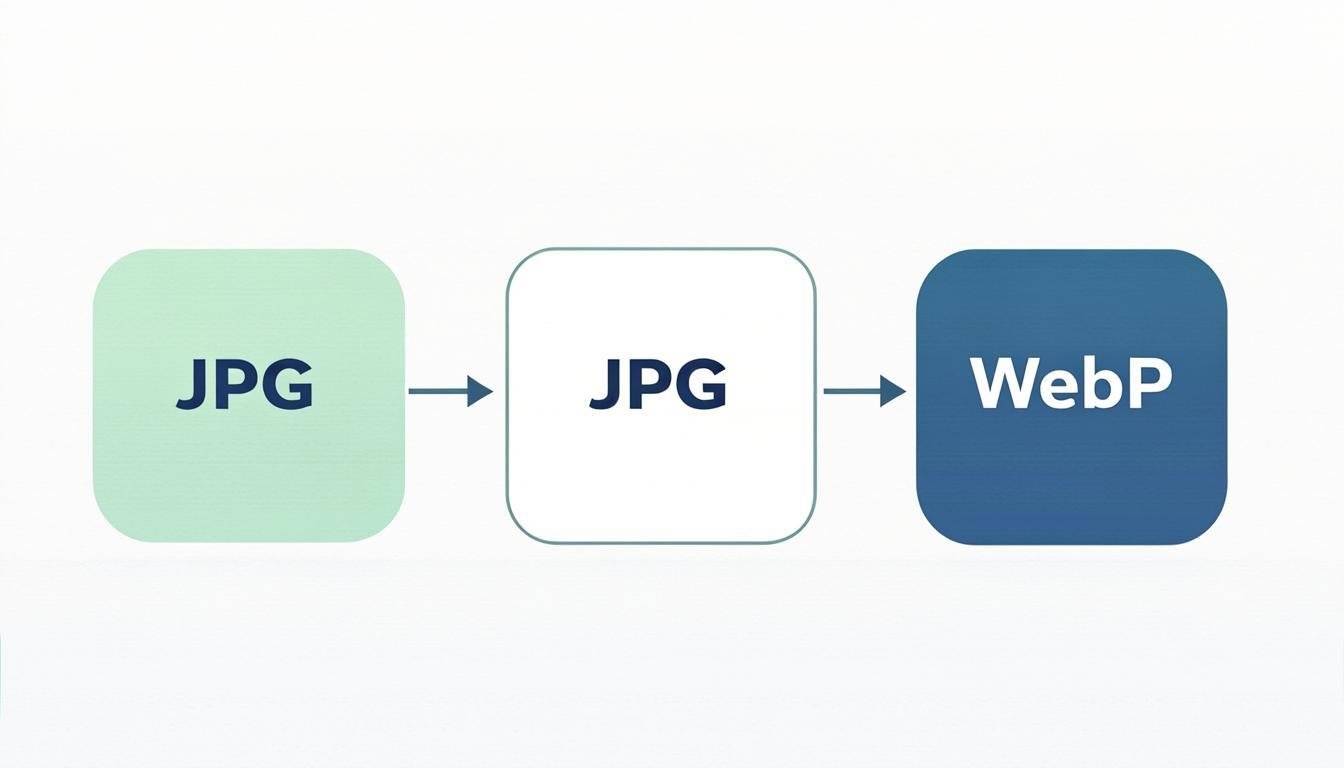
Convert images between JPG, PNG, WebP, AVIF and more formats.
Use Tool →
Add text or logo watermarks to protect your images.
Use Tool →

On mobile?
The CompressoPanda Android app ships 36 tools that run with no connection at all — including target-size compression, conversion and PDF essentials.