PDF Tools · Free · No signup
Stop retyping PDFs by hand. This tool reads your PDF's text layer, rebuilds paragraphs and writes a genuine .docx file — open it in Microsoft Word, Google Docs or LibreOffice and edit away. The conversion runs entirely in your browser, so contracts, reports and letters stay on your device from start to finish.
Drop your PDF here or click to browse
You can also paste from the clipboard (Ctrl+V)
🔒 100% private: your files are processed by your own browser and never leave your device.
Output is standard Office Open XML — Word, Google Docs, LibreOffice and Pages all open it natively.
Lines are grouped back into paragraphs using layout analysis, so you edit flowing text, not one-line fragments.
Each original page gets a small marker, so you always know where you are in the source document.
Accents, currency symbols and special characters carry over in UTF-8.
Your files are read and written in your browser — nothing is uploaded, nothing is stored.
Supported formats. Accepts text-based .pdf files. Outputs .docx (Office Open XML, editable in Word 2007+, Google Docs, LibreOffice).
This converter extracts text: images, colors, exact fonts, columns and complex layouts are not recreated (grab images with PDF to Image first). Scanned PDFs have no text layer — run PDF OCR first. Tables come through as plain lines of text. Very large documents (100+ pages) may take a while on modest devices.
No — you get the full text in clean, editable paragraphs, not a pixel copy. Layout, columns and images are intentionally simplified so the text is easy to edit.
This tool converts text only. Use PDF to Image or PDF to PNG to export the pictures, then insert them into your document.
Not directly — scans have no text layer. Run PDF OCR on the scan first, then paste the recognized text into your document.
Yes — it is a standard, minimal OOXML file generated locally with no macros or scripts.
It shows where each source page begins, which makes checking the conversion against the original easy. Delete them freely — they are normal paragraphs.
Keep going
Convert Word (.docx) documents to clean PDF files without Office.
Use Tool →
Extract clean plain text from text-based PDFs, page by page.
Use Tool →
Recognize text in scanned PDFs with on-device OCR — nothing is uploaded.
Use Tool →
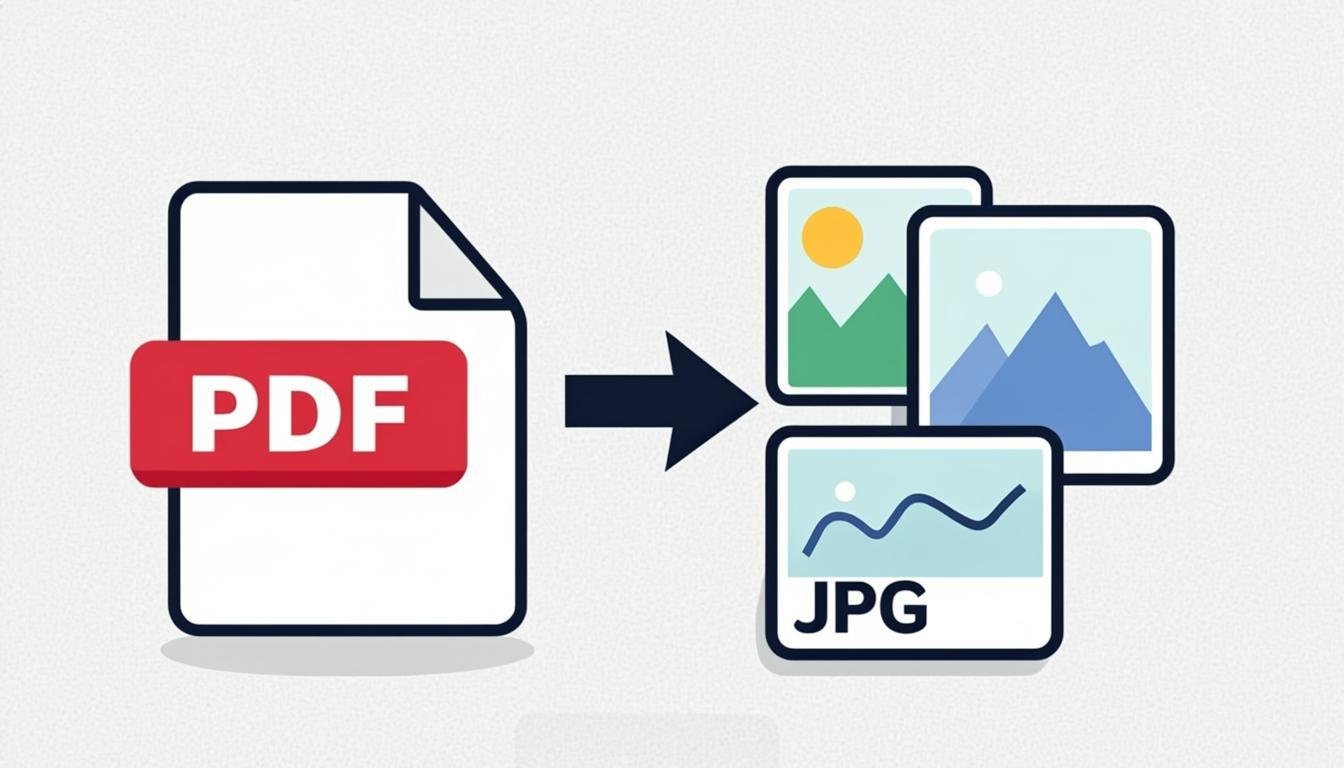
Extract PDF pages as high-quality PNG or JPG images.
Use Tool →
Reduce PDF file size while keeping text sharp and readable.
Use Tool →

On mobile?
The CompressoPanda Android app ships 36 tools that run with no connection at all — including PDF essentials and target-size compression.