PDF Tools · Free · No signup
Need a PDF but the file is .docx? Convert it here — no Microsoft Office required. The document is parsed locally, its headings, paragraphs, lists, bold/italic formatting and images are laid out onto A4 (or US Letter) pages, and a real PDF is generated in your browser. Perfect for sharing polished documents that anyone can open on any device.
Drop your .docx here or click to browse
You can also paste from the clipboard (Ctrl+V)
🔒 100% private: your files are processed by your own browser and never leave your device.
Conversion happens entirely in your browser — install nothing, send nothing.
Headings, bold, italic, lists and inline images from the .docx are preserved as real text and objects. Hyperlinks are kept as plain text.
Pick the paper size your recipients expect; page breaks flow automatically.
Vector text (selectable and searchable), not screenshots of your document.
Queue multiple .docx files and convert them all in one run.
Supported formats. Accepts .docx (Office Open XML — Word 2007+, and .docx exported by Google Docs or LibreOffice). Outputs .pdf (A4 or Letter). Legacy .doc files are not supported — re-save them as .docx first.
The conversion approximates Word's layout: page breaks may fall in slightly different places, headers/footers, footnotes, tables of contents, comments and tracked changes are not reproduced, and exotic fonts fall back to standard ones. Password-protected .docx files cannot be read. Complex magazine-style layouts will not match Word exactly.
Close for typical letters and reports, but not pixel-identical: pagination, fonts and spacing are approximated in the browser. For legally fixed layouts, export from Word itself.
No. Your .docx is parsed, rendered and converted inside your browser tab.
Yes — inline images are carried into the PDF. Floating text boxes, SmartArt and charts are simplified or skipped.
Only .docx. Open the .doc in Word or LibreOffice, save as .docx, then convert here.
Word and this converter use slightly different font metrics and line heights, so text flows a bit differently across pages.
Keep going
Turn PDF text into an editable Word (.docx) document in your browser.
Use Tool →
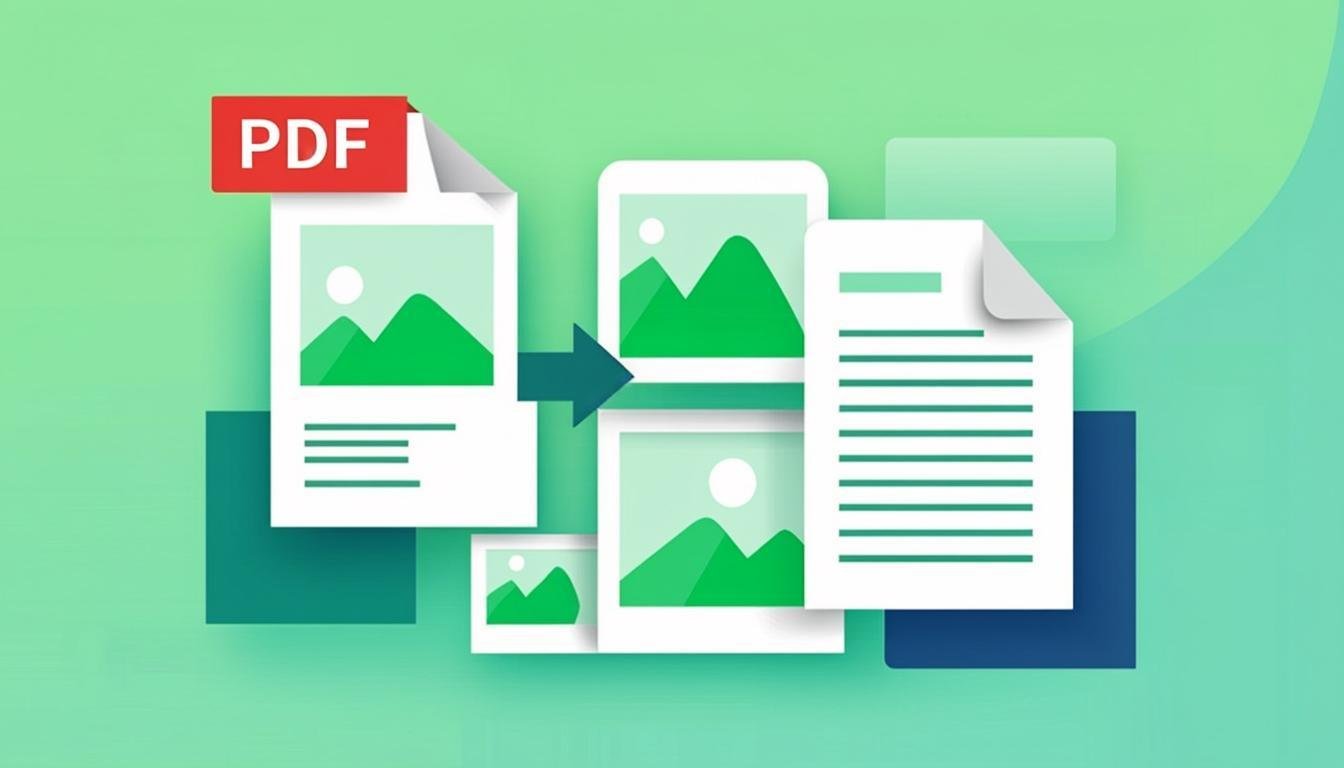
Combine one or more images into a single PDF document.
Use Tool →
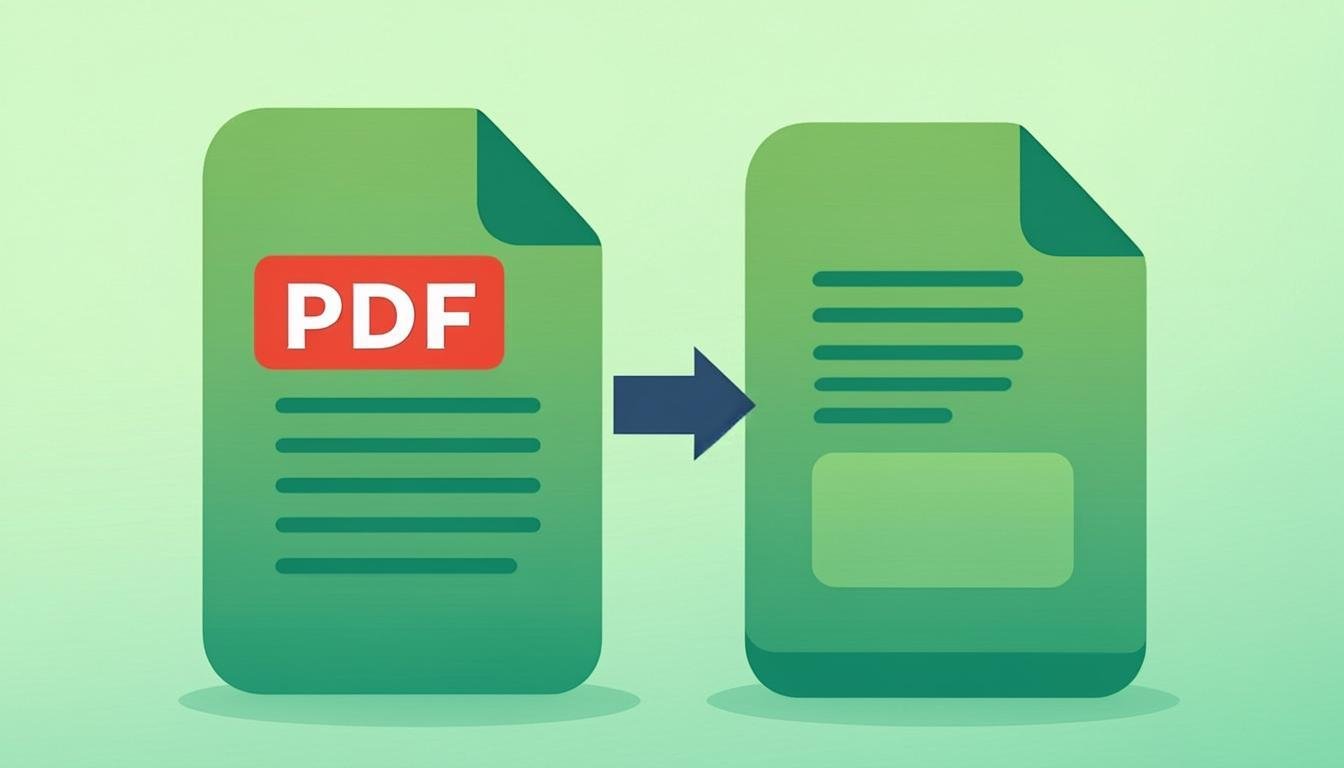
Reduce PDF file size while keeping text sharp and readable.
Use Tool →
Password-protect a PDF with real encryption and permission controls.
Use Tool →
Stamp text watermarks (CONFIDENTIAL, DRAFT…) across all PDF pages.
Use Tool →

On mobile?
The CompressoPanda Android app ships 36 tools that run with no connection at all — including PDF essentials and target-size compression.