PDF Tools · Free · No signup
Courts, agencies and readers all love numbered pages — but plenty of PDFs ship without them. This tool stamps page numbers onto every page (or from the page you choose), in the position and format you want: a discreet “3” in the corner or a formal “Page 3 of 12”. Numbering is drawn as real text and the work happens entirely in your browser.
Drop your PDF here or click to browse
You can also paste from the clipboard (Ctrl+V)
🔒 100% private: your files are processed by your own browser and never leave your device.
Bottom-center, bottom corners, top-center, top corners — place the number where your layout expects it.
Bare numbers for minimal documents, “Page 3 of 12” for formal ones, or the classic “- 3 -”.
Start stamping at page 2 (or 5) while numbering still begins at 1 where you want it.
Numbers are placed with a safe margin and measured against each page size, so nothing lands off-page.
Number a whole batch of PDFs with identical settings — all on your device.
Supported formats. Accepts any unencrypted .pdf. Outputs .pdf with numbers drawn as vector text (Helvetica; Latin characters for the “Page … of …” prefix).
This tool adds numbers — it cannot detect or remove numbers already present on the pages (stamping over an existing number will look doubled). The “Page … of …” prefix uses a Latin-alphabet font. Stamp order follows the document's page order; use Extract PDF Pages first if you need a different order.
Set “start on page” to 2 — page 1 gets no stamp, and page 2 receives the number you chose as the start count (1 by default).
Yes. “Start counting at” controls the number shown on the first stamped page — useful when front matter is numbered separately.
It is drawn on top with a small margin. If a page has content exactly in the corner, pick another position or a footer style.
Yes — real vector text, so they print sharply and stay searchable.
Yes. Stamping is fast because it does not re-render page contents.
Keep going
Pull selected pages out of any PDF into a new document — in any order you want.
Use Tool →
Stamp text watermarks (CONFIDENTIAL, DRAFT…) across all PDF pages.
Use Tool →
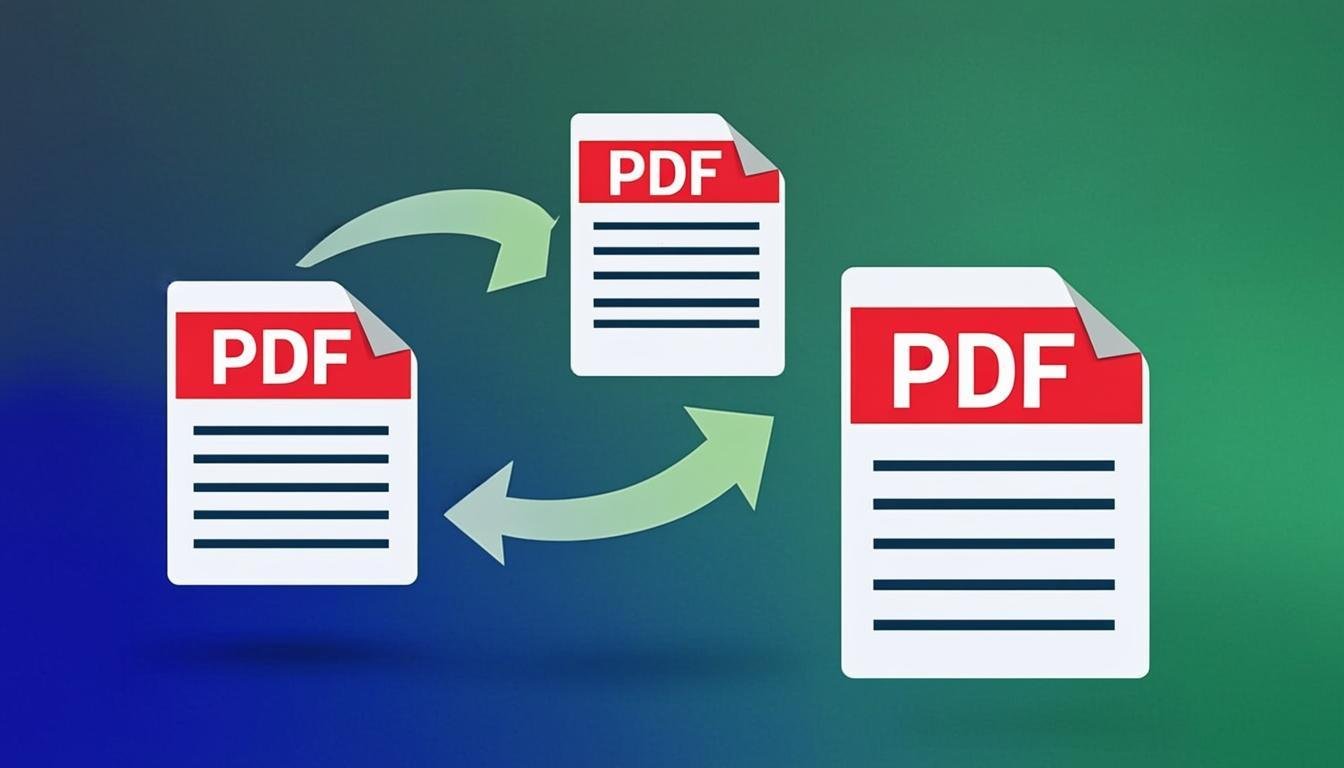
Merge multiple PDF files into one document, in the exact order you want.
Use Tool →
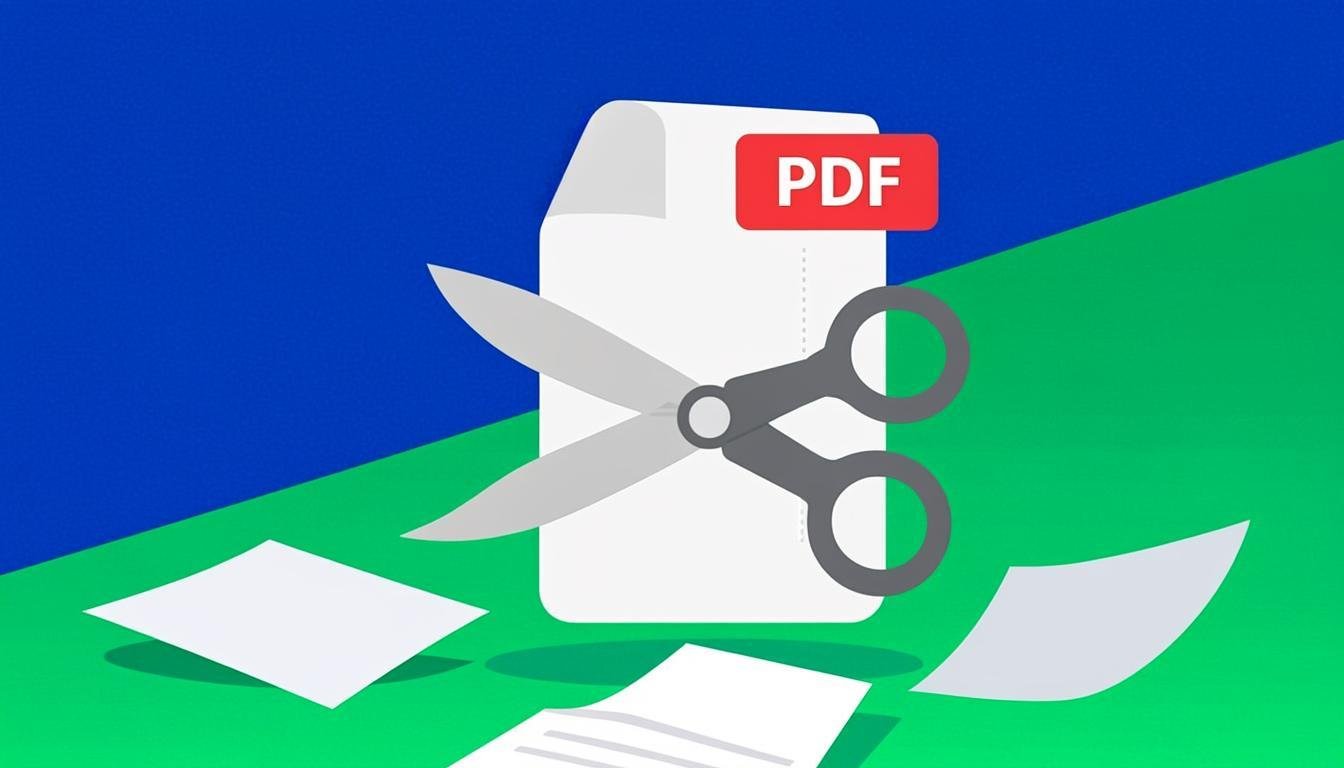
Split a PDF into separate pages or extract the ranges you need.
Use Tool →
Turn PDF text into an editable Word (.docx) document in your browser.
Use Tool →

On mobile?
The CompressoPanda Android app ships 36 tools that run with no connection at all — including PDF essentials and target-size compression.