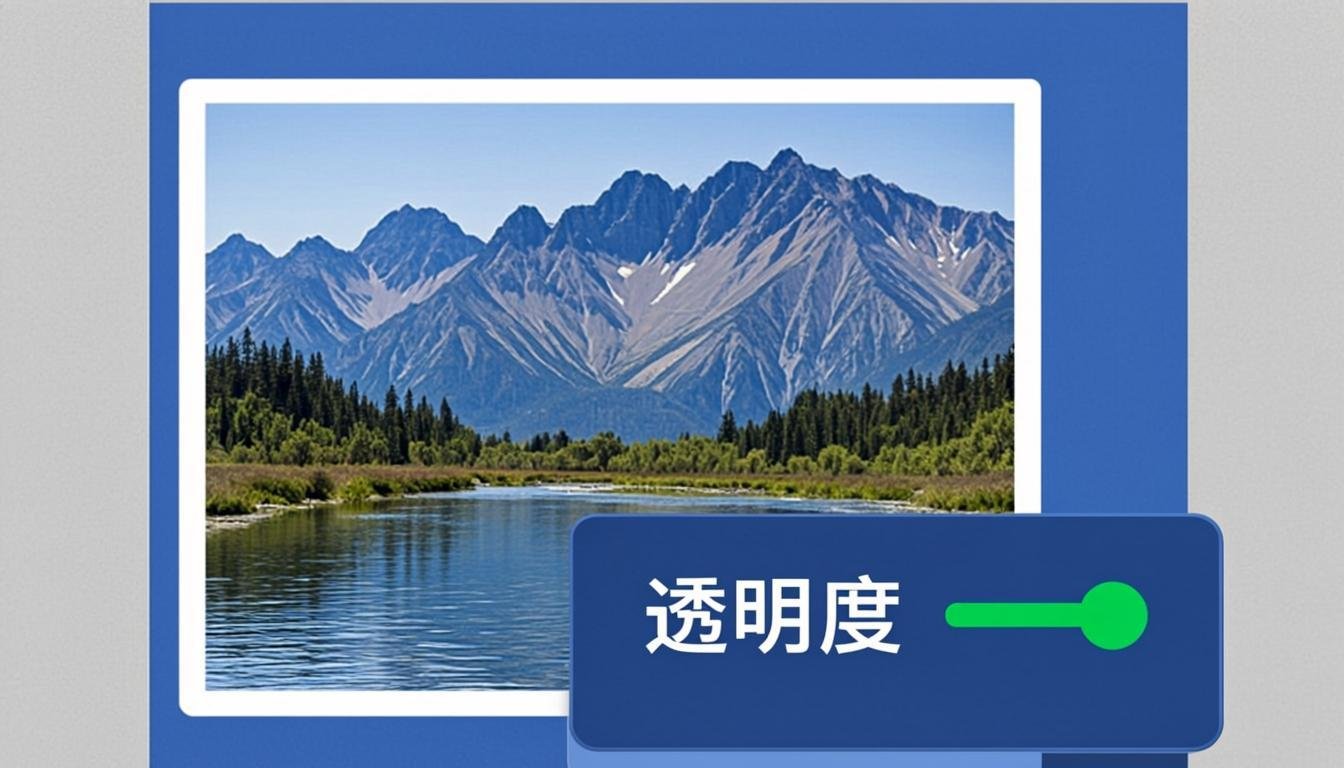
PDF Tools · Free · No signup
Mark a document as CONFIDENTIAL, DRAFT, SAMPLE or property of your company — on every page, in seconds. Pick a style (diagonal across the page, tiled grid, or a small footer line), dial in the size and opacity, and download the stamped PDF. The watermark is drawn as real text on your device, so the file never leaves your hands.
Drop your PDF here or click to browse
You can also paste from the clipboard (Ctrl+V)
🔒 100% private: your files are processed by your own browser and never leave your device.
One big diagonal stamp, a repeated tile pattern, or a discreet footer line — pick what fits the document.
From a whisper-light 10% ghost text to a bold 50% stamp — you see the trade-off instantly.
The watermark is applied to all pages, including mixed orientations and page sizes.
The stamp is vector text drawn onto each page — it prints cleanly at any resolution.
Stamp several PDFs in one run; everything happens in your browser, with zero uploads.
Supported formats. Accepts any unencrypted .pdf. Outputs .pdf with the watermark drawn on every page. Watermark text uses the built-in Helvetica font (Latin characters, including accented ones).
Watermark text is drawn with a standard PDF font, so it covers Latin alphabets (English, French, Spanish…) but not scripts like Arabic or Chinese. The stamp becomes part of the page content — keep your original file if you may need a clean version later. This tool stamps text only; logo images are not supported here.
Not in this tool — it stamps text only. For image watermarks on pictures, use the Image Watermark tool.
Not by this tool: once applied, the text is part of each page. Keep the original PDF as your clean master.
Yes — it is real vector text on the page. Set a low opacity (10–20%) if you want it subtle on paper.
A diagonal stamp at 12–18% opacity is the classic choice: clearly visible on screen and on paper, yet it never blocks reading.
Yes — each page is measured and the watermark is centered and angled per page.
Keep going
Add text or logo watermarks to protect your images.
Use Tool →
Password-protect a PDF with real encryption and permission controls.
Use Tool →
Insert page numbers anywhere on a PDF, with position and format options.
Use Tool →
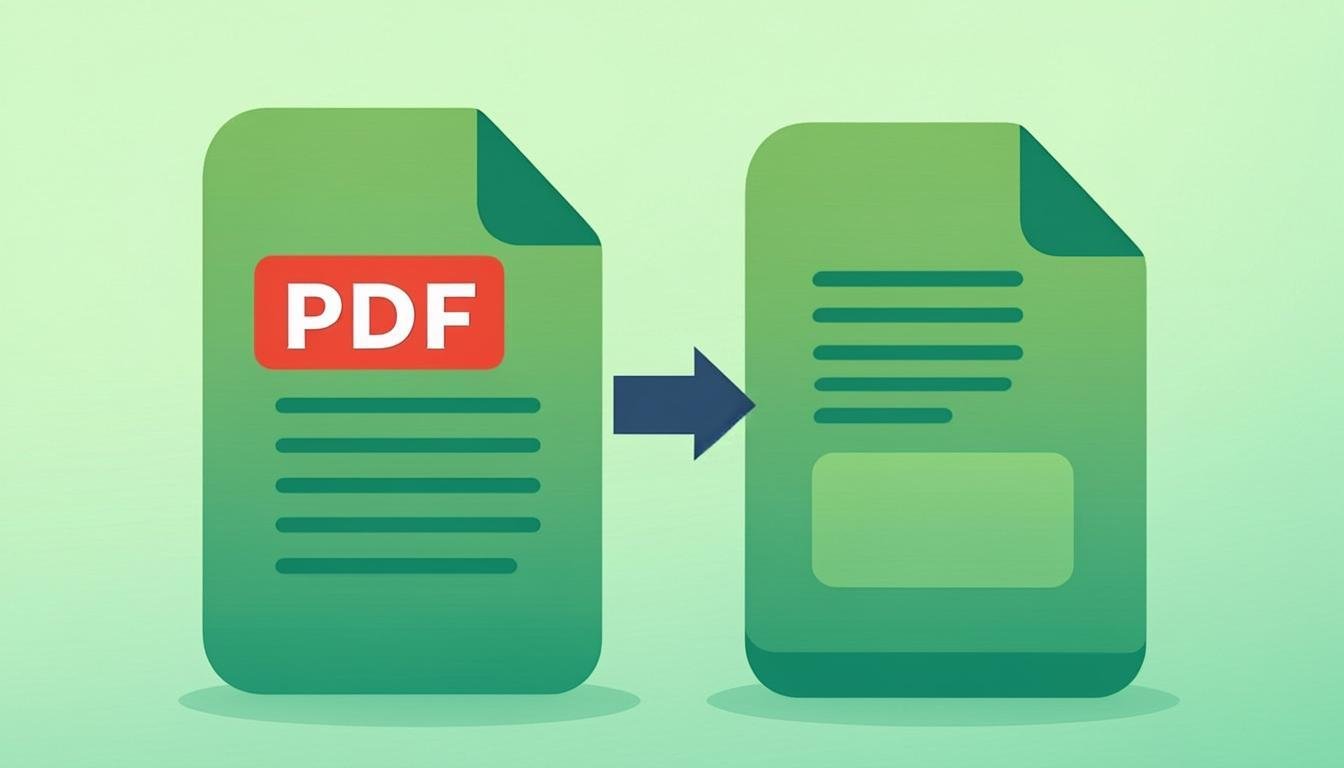
Reduce PDF file size while keeping text sharp and readable.
Use Tool →
Merge multiple PDF files into one document, in the exact order you want.
Use Tool →

On mobile?
The CompressoPanda Android app ships 36 tools that run with no connection at all — including PDF essentials and target-size compression.